基本信息
游戏分类:恐怖冒险
游戏标签:选择取向 后末日 LGBTQ+ 短篇 恐怖 爱情
语言版本:中文 英文
游戏介绍

关于这款游戏

This game was created as my version of a love letter to my partner.
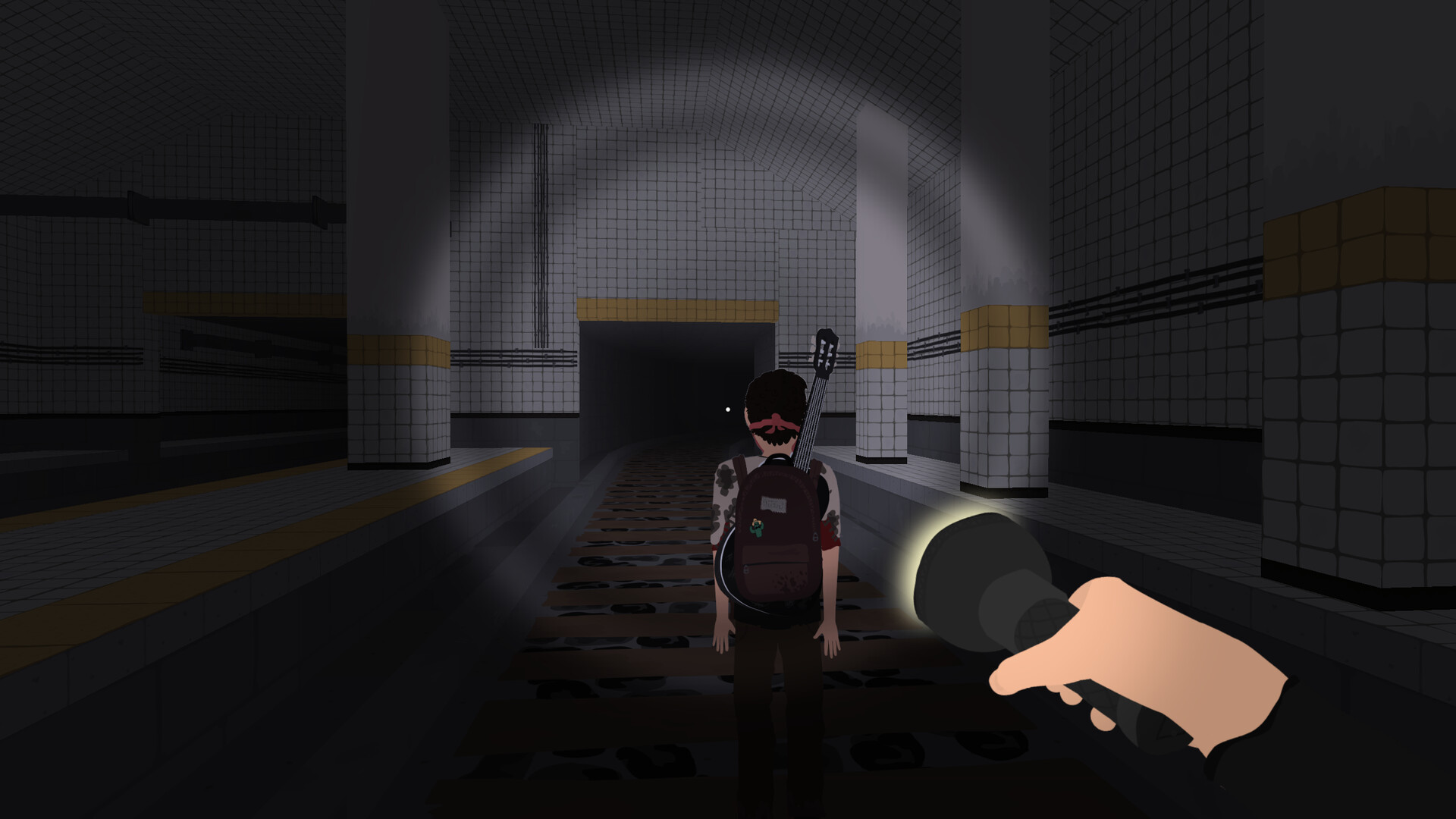
Follow the story of Ted as he navigates the abandoned town of Ruddleside amidst the post apocalypse, finding a solitary companion in Diego.
Your choices determine whether Diego will bond with Ted and help him continue his search for surviving communities, or whether the pair will face difficulties and challenges that put them at odds with each other whilst trying to escape the horrors within Ruddleside.
Gameplay:
-
Explore Stylized 3D Environments: Navigate the atmospheric setting of Ruddleside.
-
Solve Puzzles and Find Collectibles: Uncover the town’s mysteries through various puzzles and collectibles.
-
Shape Ted’s Destiny: Make decisions that influence Ted’s personality and determine his fate.
Embark on a heartfelt journey in Nocturnals.

成人内容描述
开发者对内容描述如下:
This game contains scenes of graphic cartoon violence and frequent profanity.
系统需求
最低配置:
-
- 需要 64 位处理器和操作系统
- 操作系统: Windows 10
- 处理器: Dual Core (2.0 GHz)
- 内存: 8 GB RAM
- 显卡: At least 4GB VRAM and WebGL support.
- 存储空间: 需要 3 GB 可用空间
推荐配置:
-
- 需要 64 位处理器和操作系统
- 操作系统: Windows 11
- 处理器: Quad Core (3.0 GHz)
- 内存: 12 GB RAM
- 显卡: Dedicated graphics card with at least 8GB VRAM and WebGL support.
- 存储空间: 需要 3 GB 可用空间