基本信息
游戏分类:恐怖冒险
游戏标签:恐怖心理 步行模拟 氛围 探索 冒险
语言版本:中文 英文
游戏介绍

关于这款游戏

From The Past – the main genre of the game is “Walking simulator”, “Horror“.
Description:
Slogan: “What hides in the depths of the forest?!”
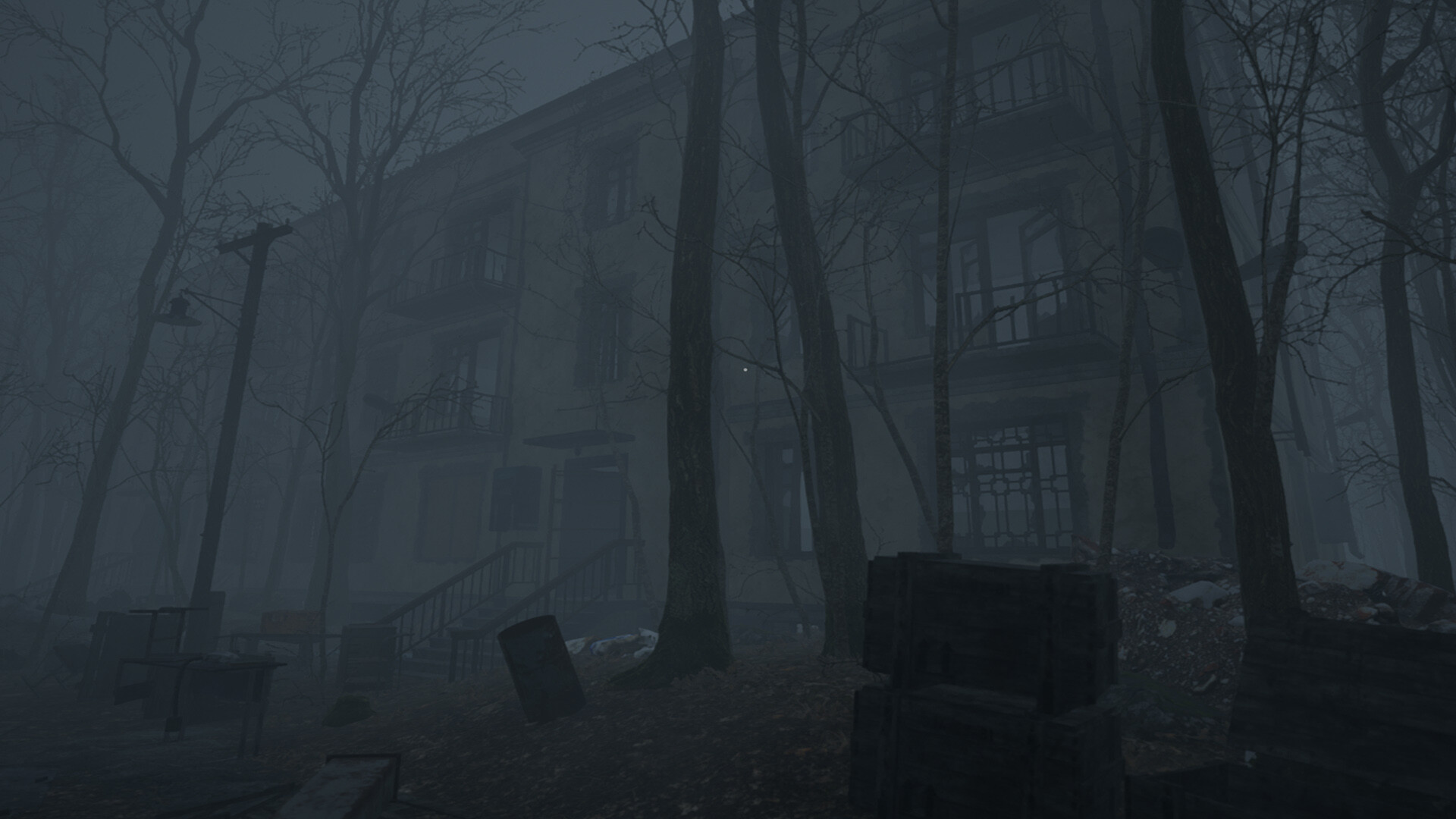
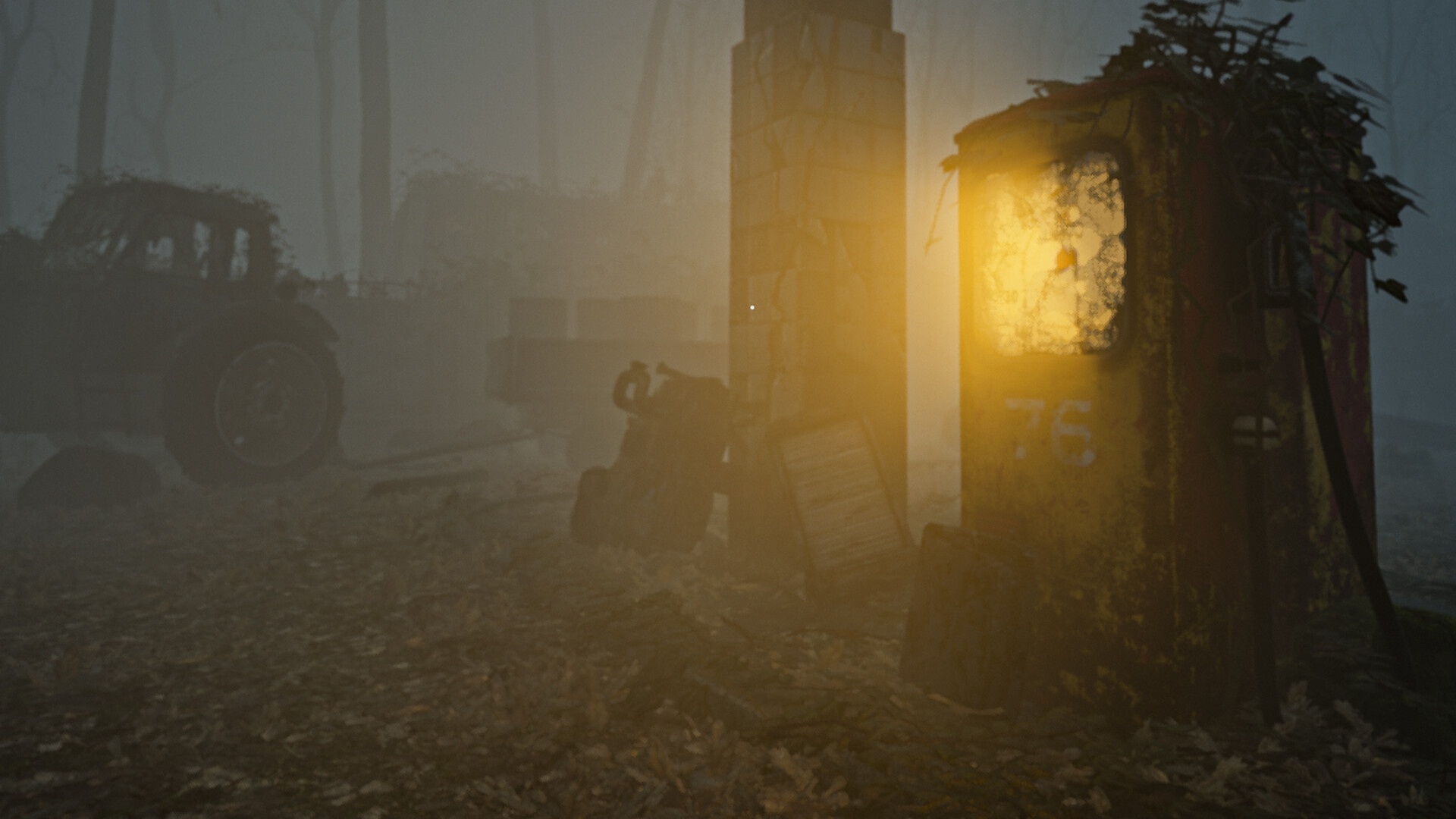
You are driving along the highway, in the middle of a dense forest… Listening to music and enjoying a long trip… But at some point, the car begins to behave strangely, the radio began to act up, and a light comes on on the dashboard signaling that the gas is running out…
But you filled up the car before leaving and you definitely remember this…

Features:
-
An interesting plot, which is presented with the help of the environment and sounds.
-
There is not a single note in the game.
-
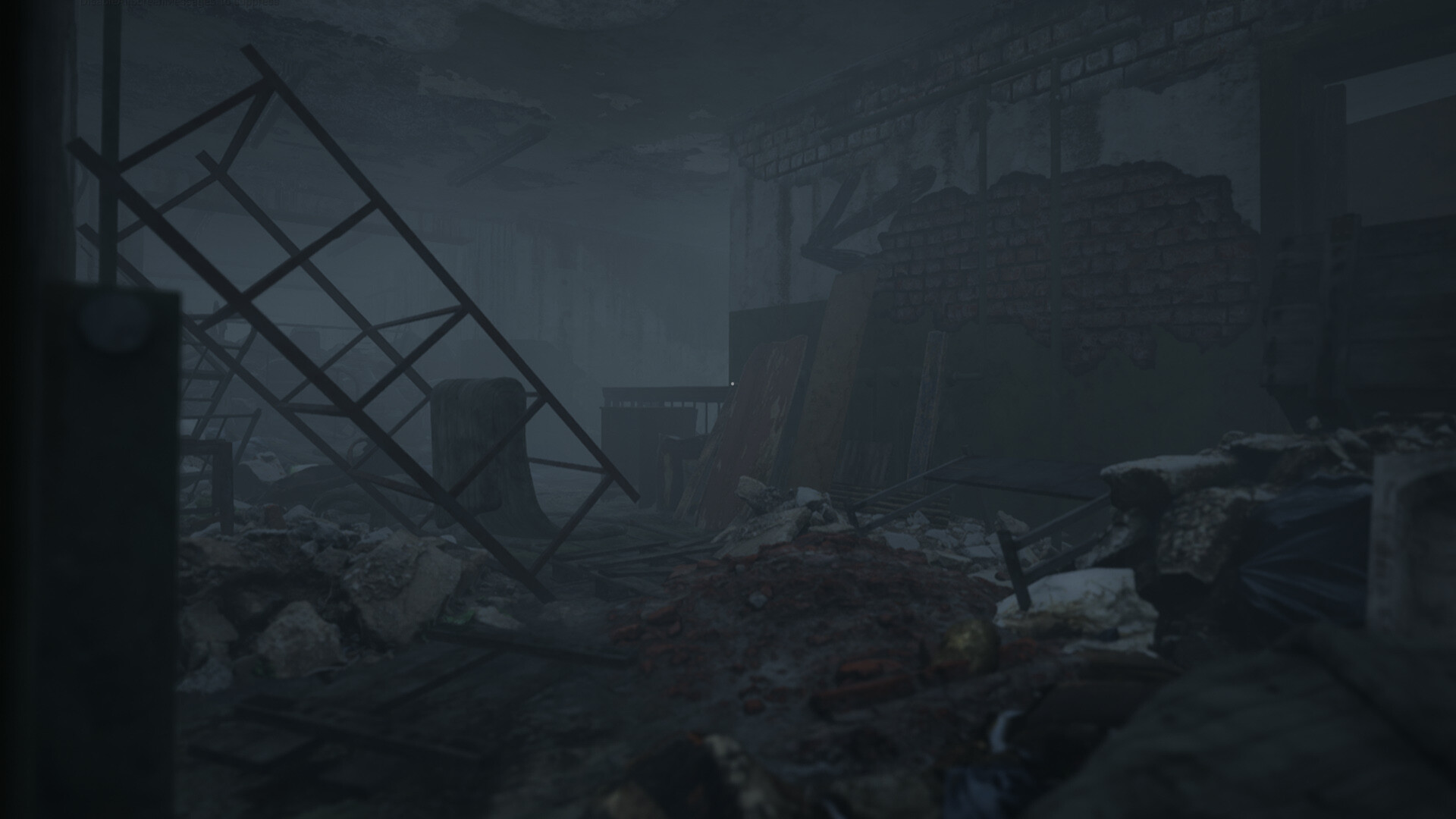
Excellent graphics and environment.
-
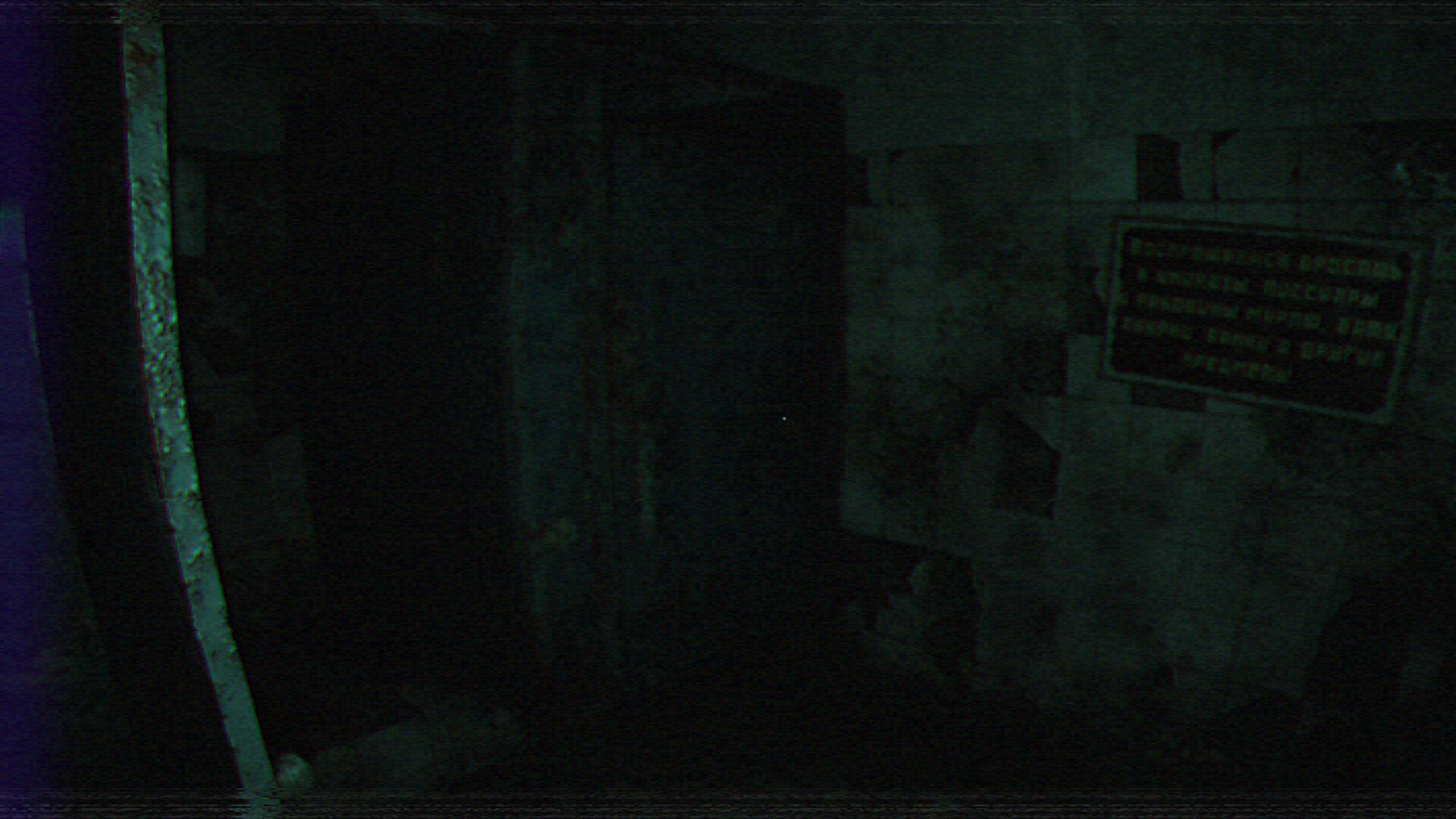
The ability to choose the graphics style between old pixel graphics and new generation graphics.
-
Frighteningly natural sound design.
Note:
-
You can switch the graphic style by pressing “F1″.

-
You can exit the game by pressing Alt + f4 or go along the road behind the car at the beginning of the game…
系统需求
最低配置:
-
- 需要 64 位处理器和操作系统
- 操作系统: WINDOWS 10, 11 (64-BIT Required)
- 处理器: Intel Core i5
- 内存: 8 GB RAM
- 显卡: NVIDIA GeForce GTX 760
- DirectX 版本: 11
- 存储空间: 需要 9 GB 可用空间
推荐配置:
-
- 需要 64 位处理器和操作系统
- 操作系统: WINDOWS 10, 11 (64-BIT Required)
- 处理器: Intel Core i7
- 内存: 16 GB RAM
- 显卡: NVIDIA GeForce GTX 1060
- DirectX 版本: 12
- 存储空间: 需要 9 GB 可用空间