
关于此游戏

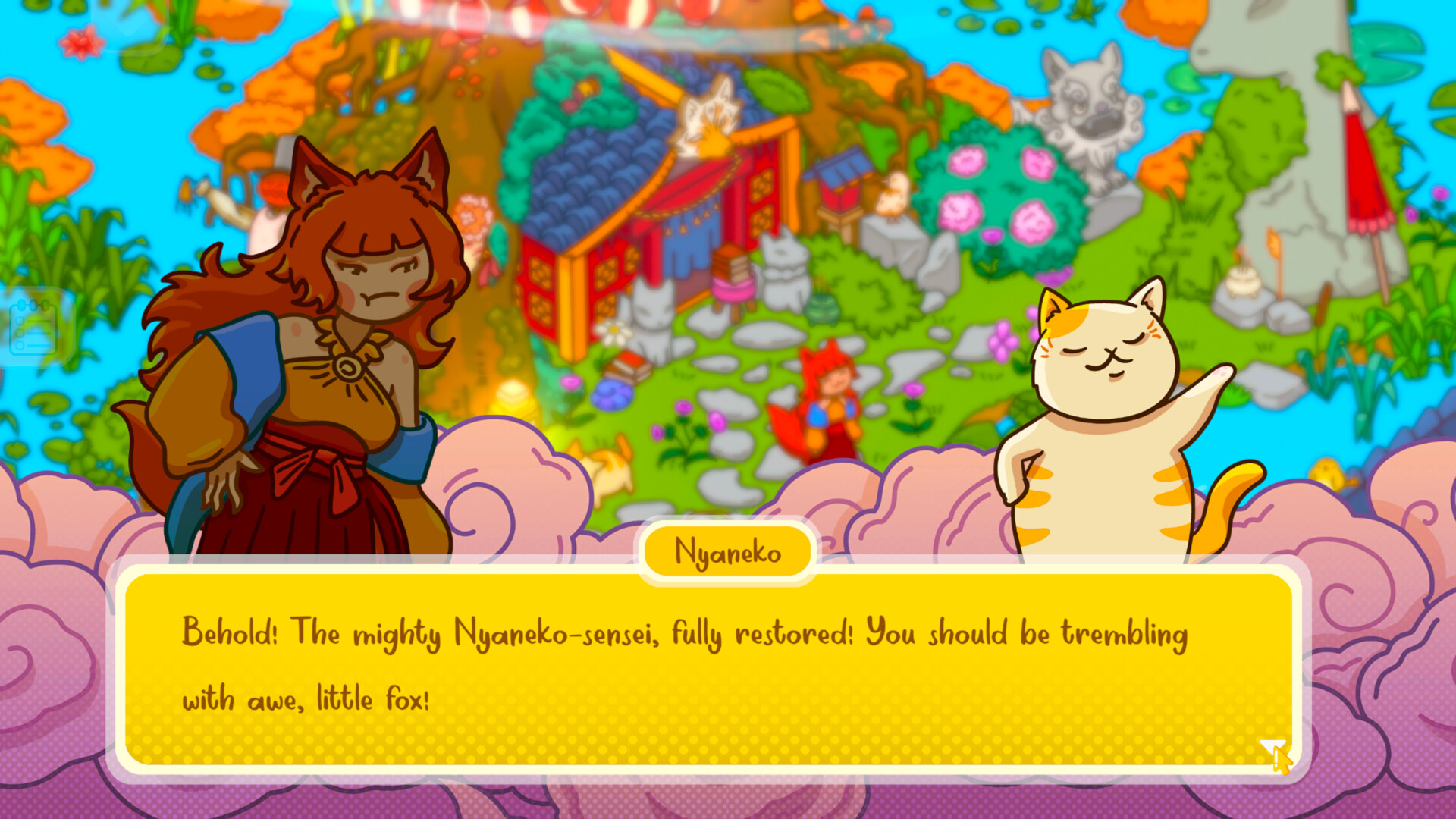
Lost Little Things is a cozy hidden object adventure. Play as a young fox spirit, Kitsune, guided by a wise cat sensei, helping yokai and forest neighbors recover their lost treasures.
Embark on a mystical journey!
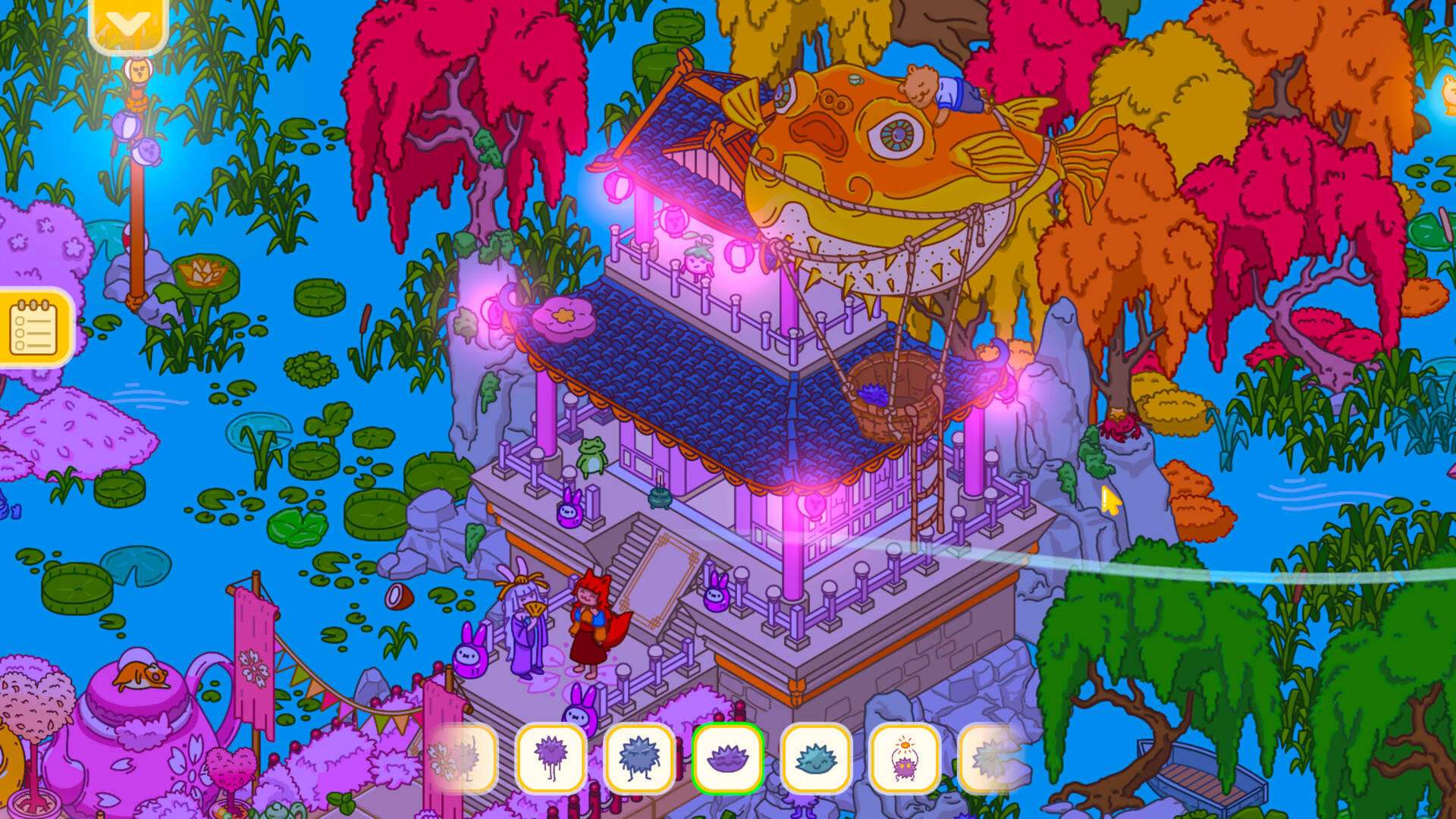
Roam ancient temples, forest shrines, and moonlit gardens. Attend lively yokai festivals and explore mysterious locations inspired by Japanese folklore. Along the way, meet charming, whimsical, and unforgettable characters.
Test your object-hunting skills!
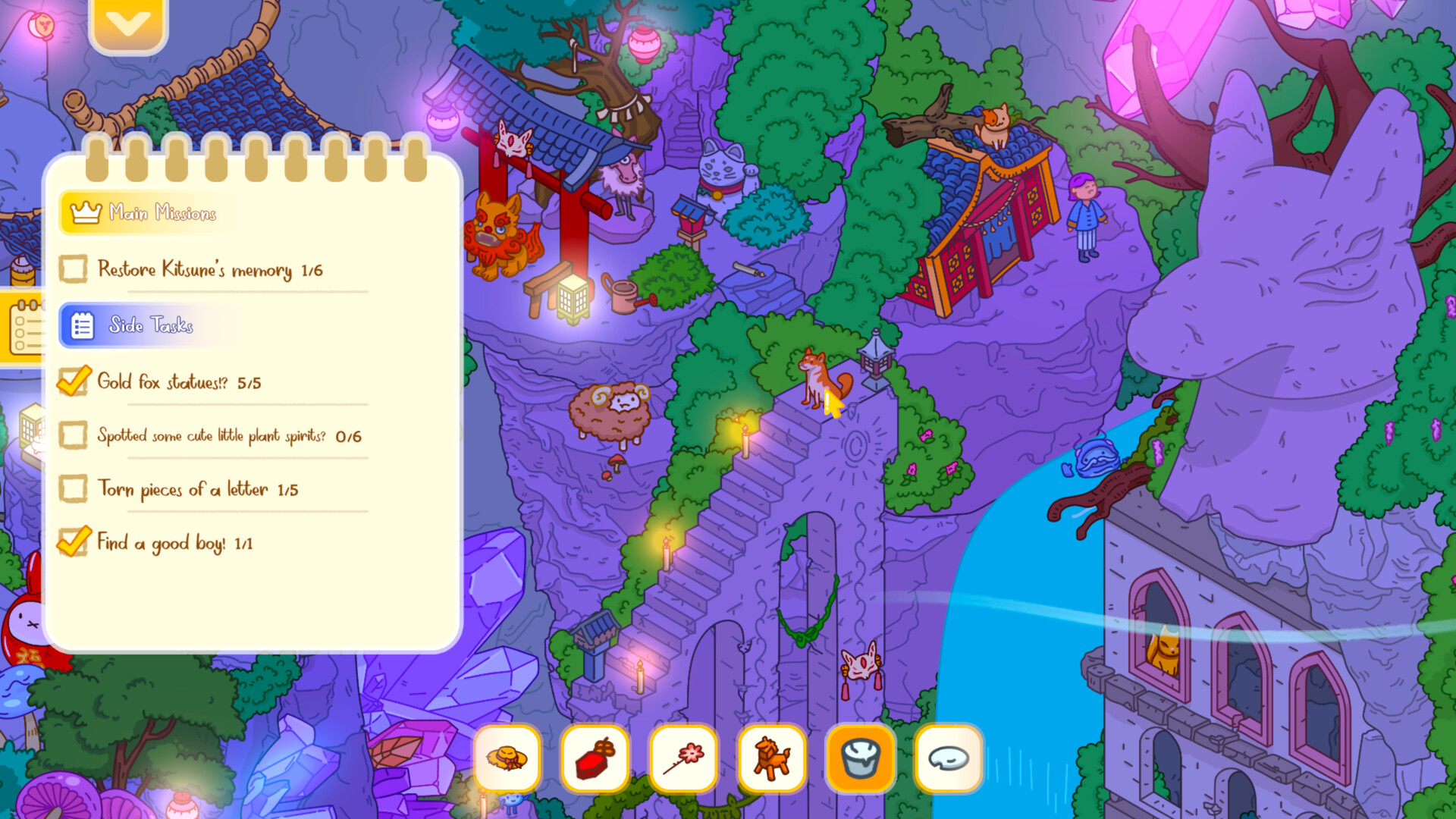
Search for hidden items and return them to their owners to complete missions and progress the story, or take your time discovering small, magical interactions tucked throughout the world.
Uncover hidden stories!
As you help others, forgotten memories resurface, revealing spooky secrets from your own past—because some lost things are more than just objects!
Key Features
-
Relaxing hidden object scenes for calm, stress-free play
-
Meet quirky yokai and forest folk with unique stories and secrets
-
Discover dozens of hidden interactions and bonus encounters
-
Explore little stories and easter eggs inspired by Japanese folklore
-
Interact with characters, objects, and environments that bring the world to life
-
Enjoy gentle music, warm visuals, and a slow, soothing atmosphere
系统需求
最低配置:
-
- 操作系统: Windows 10+
- 处理器: Intel Core i5-5300 | AMD FX-4350
- 内存: 1 GB RAM
- 显卡: Nvidia GeForce GTX 570 | AMD Radeon HD 7850
- DirectX 版本: 11
- 存储空间: 需要 400 MB 可用空间
- 声卡: Any
推荐配置:
-
- 操作系统: Windows 10+
- 处理器: Intel Core i7-3770 | AMD FX-8350
- 显卡: Nvidia GeForce GTX 760 | AMD Radeon HD 7870
- DirectX 版本: 11
- 存储空间: 需要 400 MB 可用空间