基本信息
游戏分类: 动作冒险
游戏标签:冒险 动作 单人 太空 平台游戏 独立 科幻 第三人称
语言版本:中文 英语
游戏介绍

关于这款游戏
When scientists create a portal into space, a race of robotic aliens seek to use it to invade earth. The fate of the planet lies in the super-sized hands of a lone android, who must journey out into space and take down each of the alien motherships.
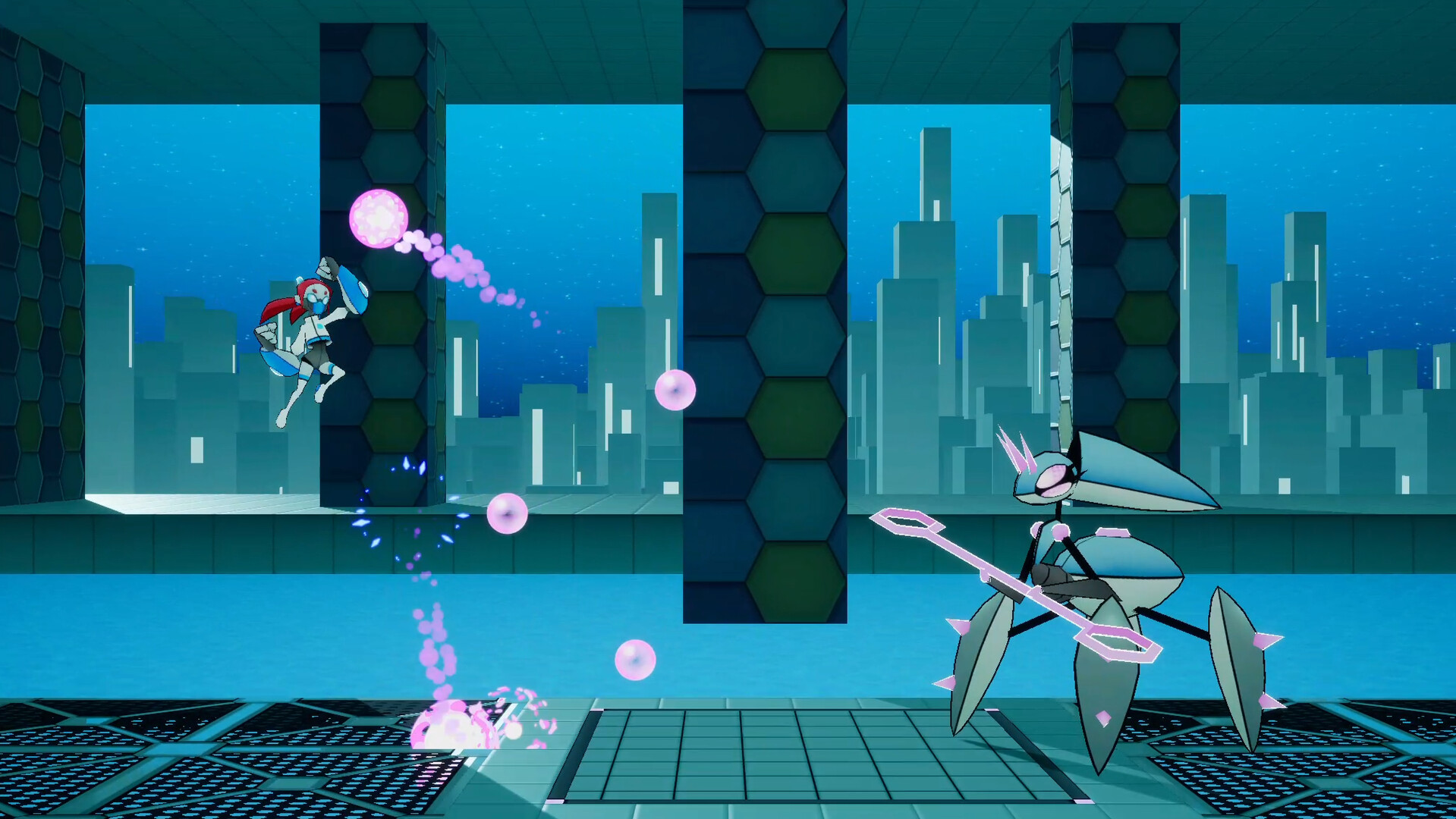
Project Starcrash is a side-scrolling action platformer that consists of two gameplay modes: Space Battles, where you fight off incoming alien invaders, and Ground Levels, where you explore the alien motherships to shut down their command. In both, the player must make use of their supersized arms to punch and throw enemies and obstacles away. These abilities are useful for both combat and puzzle solving.
-
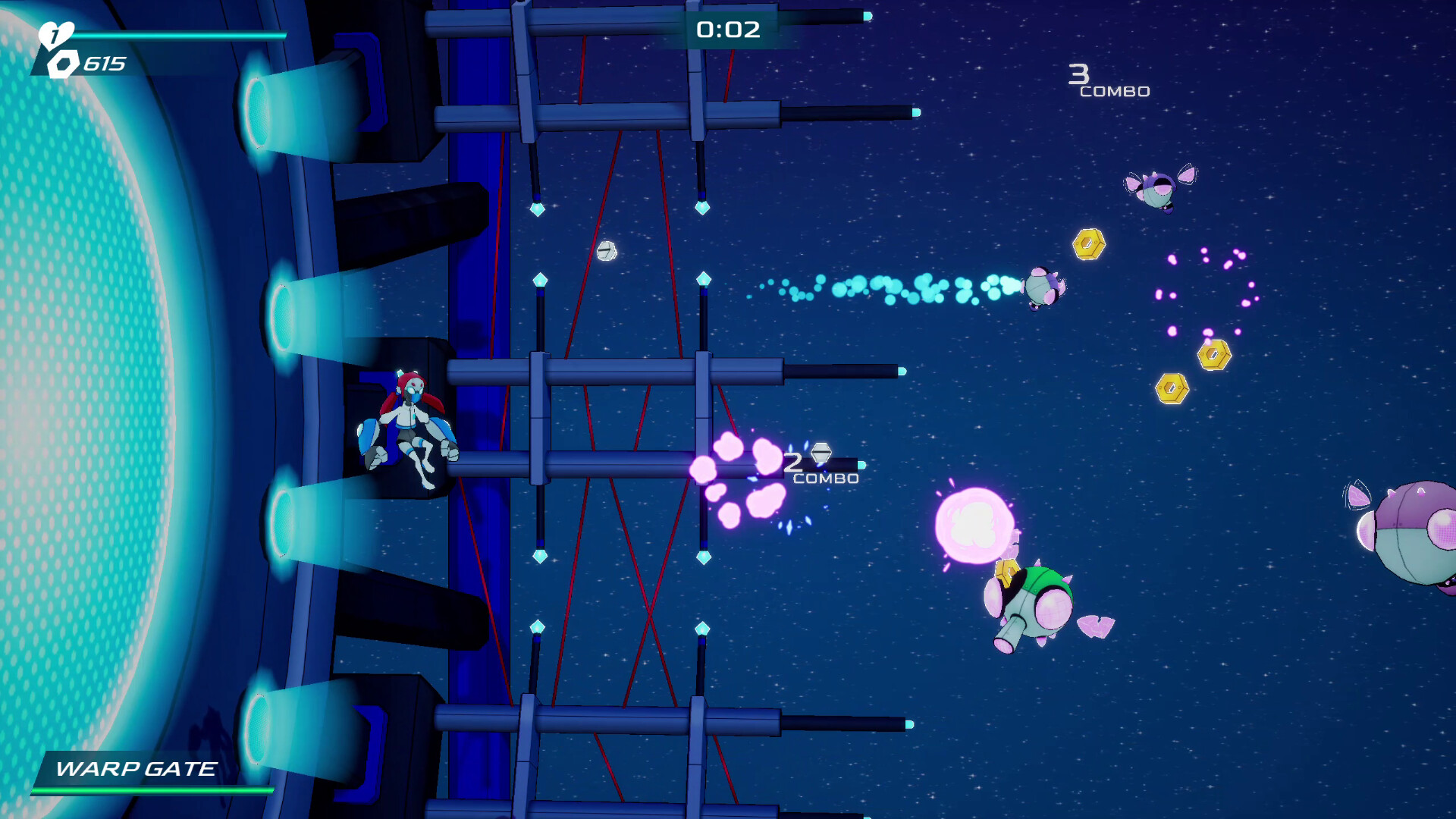
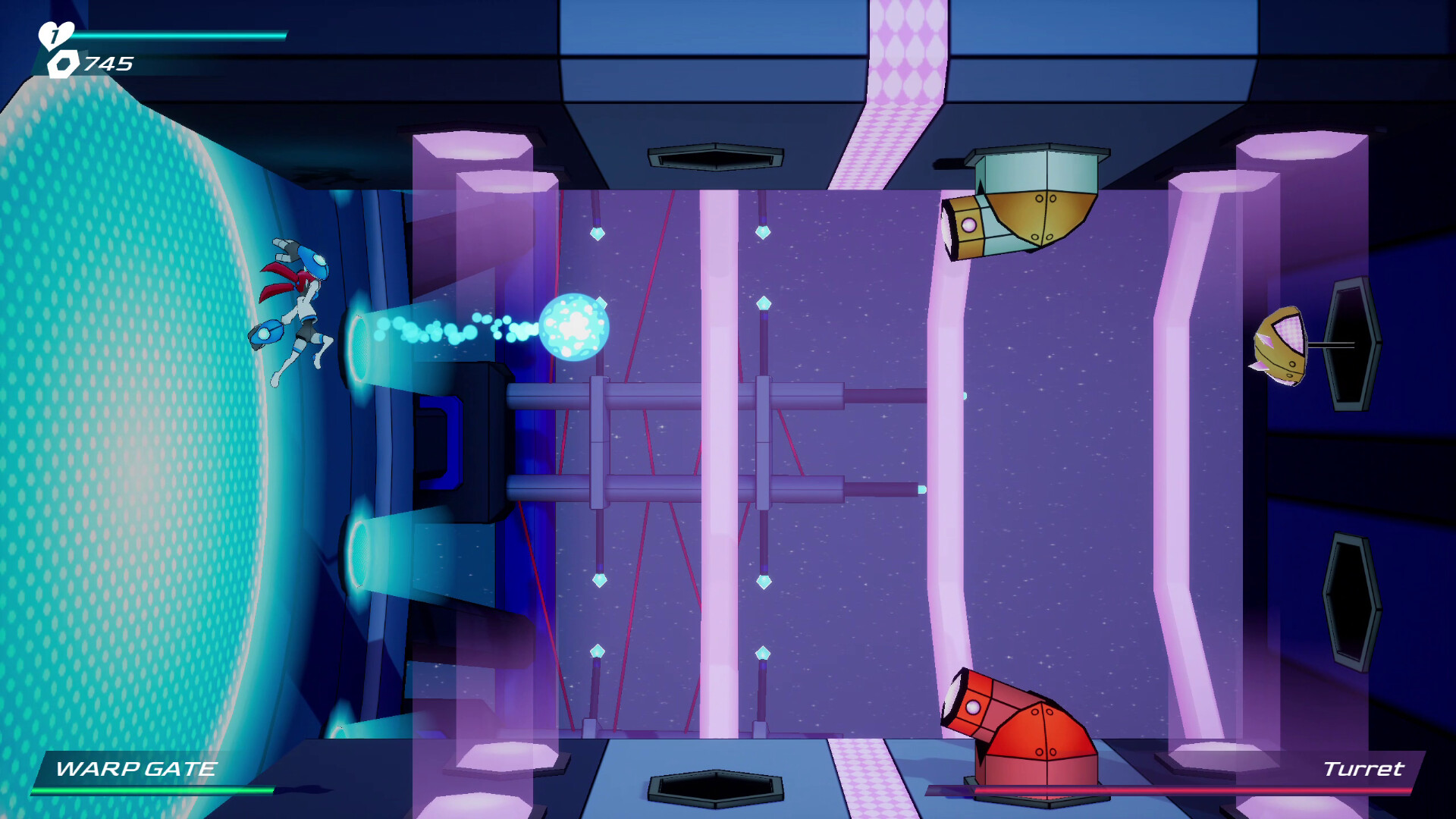
Take On High-Energy Space Battles!
Fly into space and defend the Warp Gate by fending off alien drones with your powerful punches. -
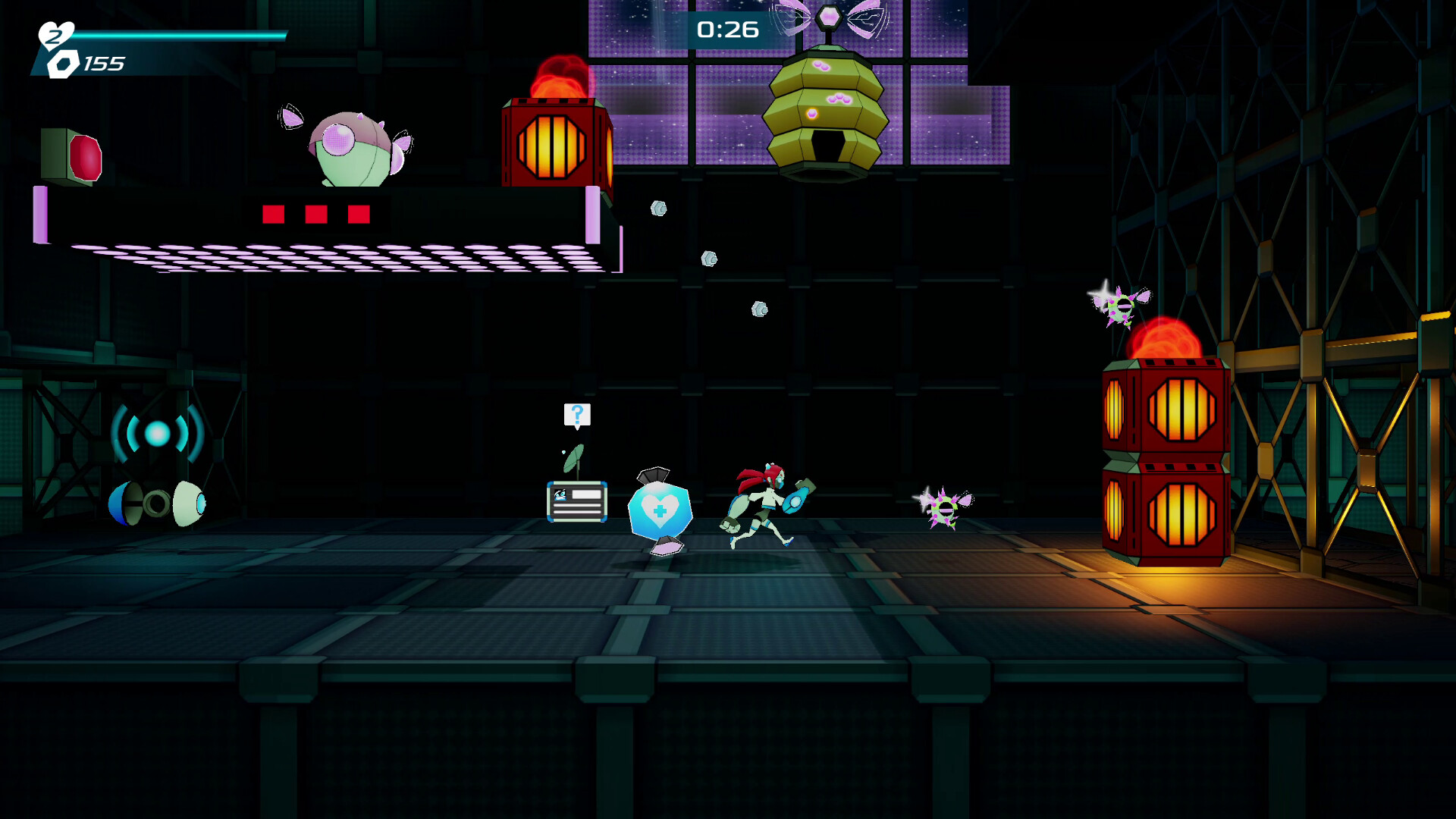
Explore Exciting Alien Environments!
Board each of the alien motherships and take down the leaders of the invasion in 2D platforming stages. -
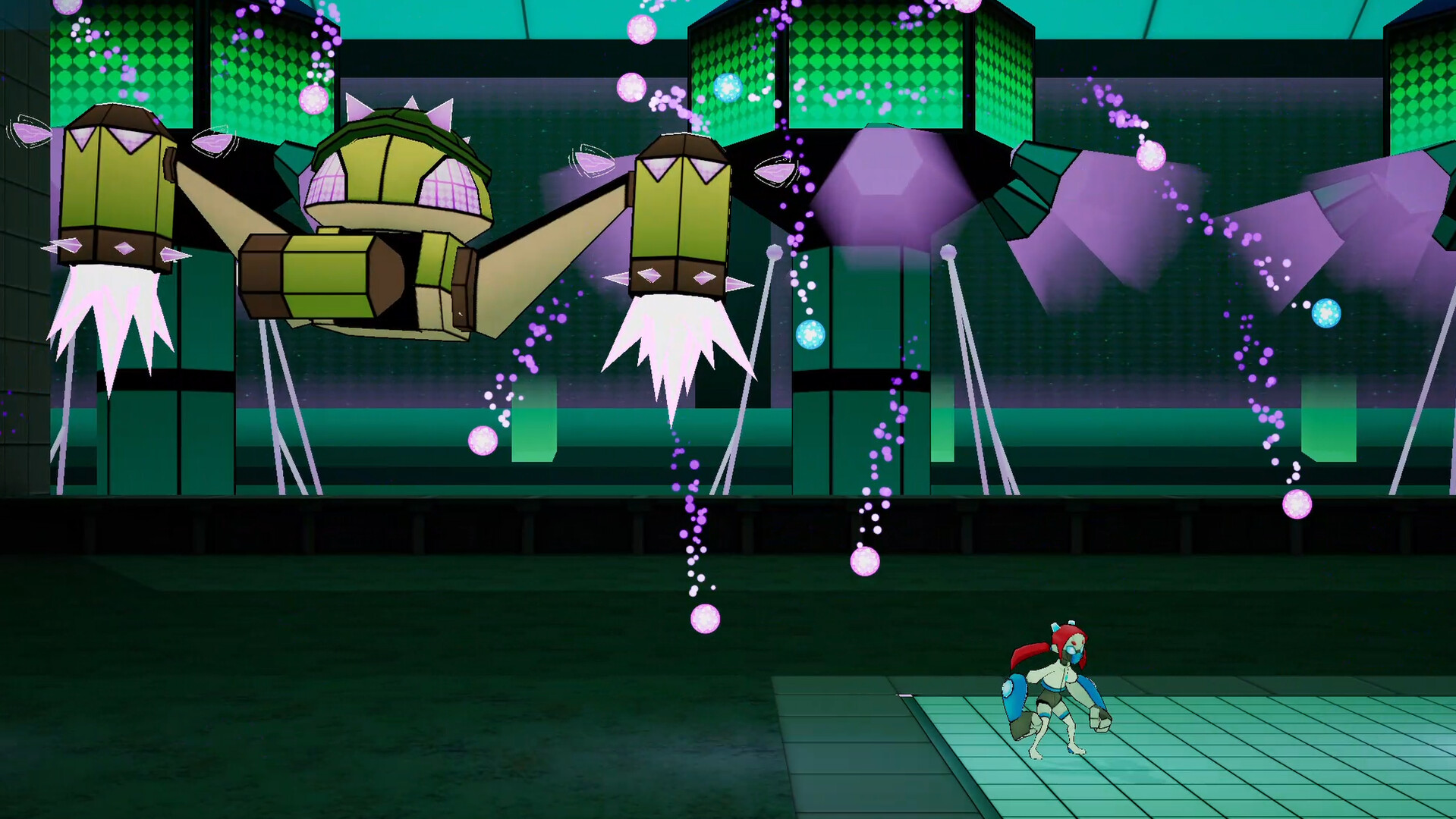
Battle Powerful Opponents!
Face off against a variety of unique enemies, including an assortment of tough boss battles.
-
Power Yourself Up!
Unlock new abilities and power-ups, and find collectible costumes to customize yourself.
系统需求
最低配置:
-
- 需要 64 位处理器和操作系统
- 操作系统: Windows 10
- 处理器: Intel(R) Core(TM) i7-9750H CPU @ 2.60GHz
- 内存: 600 MB RAM
- 存储空间: 需要 4 GB 可用空间