基本信息
游戏分类:冒险解谜
游戏标签:恐怖 程序生成 动作 潜行
语言版本:中文 英语
游戏介绍
关于这款游戏

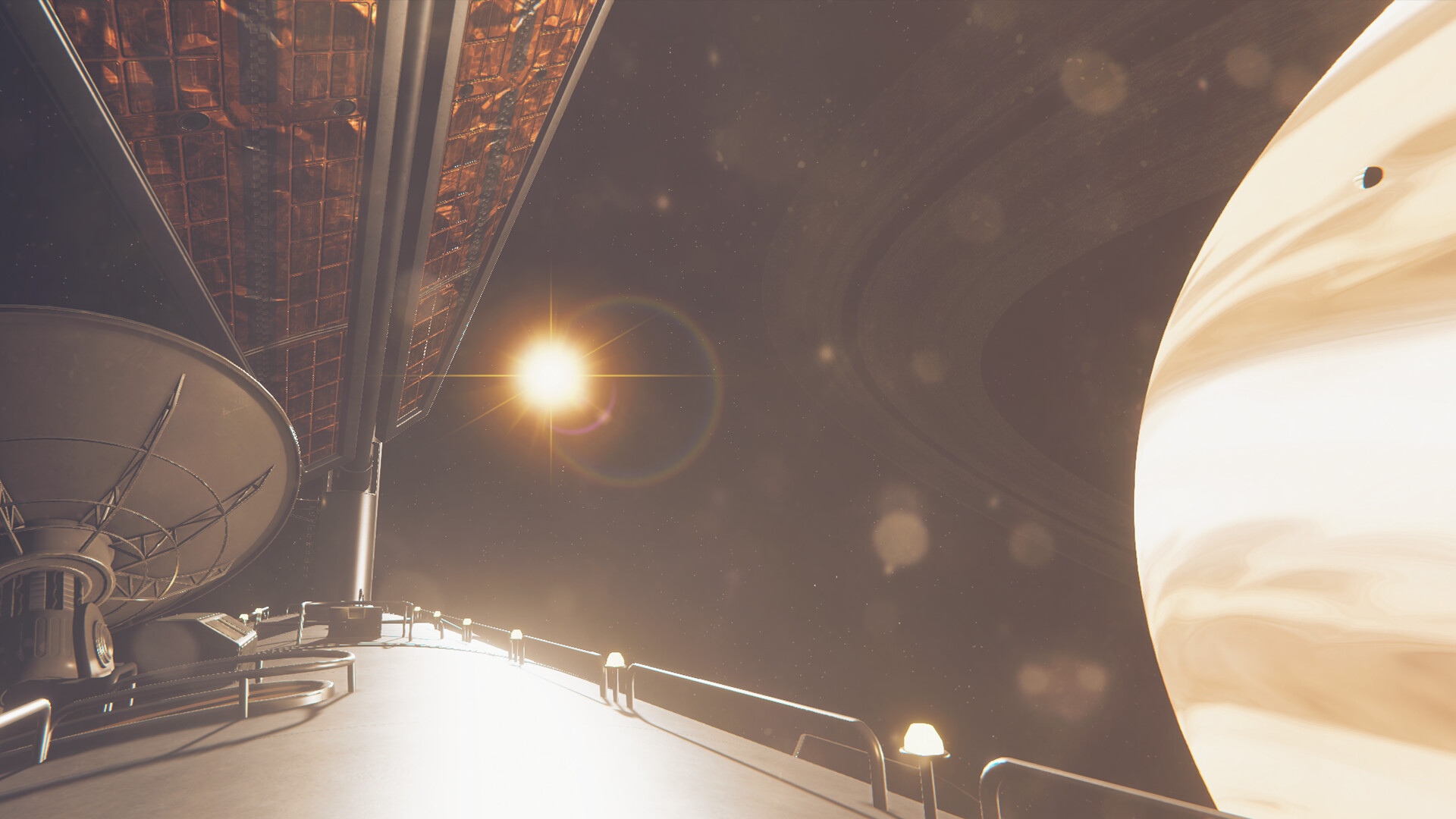
Satellite odyssey – a series of adventure games about human exploration of space.

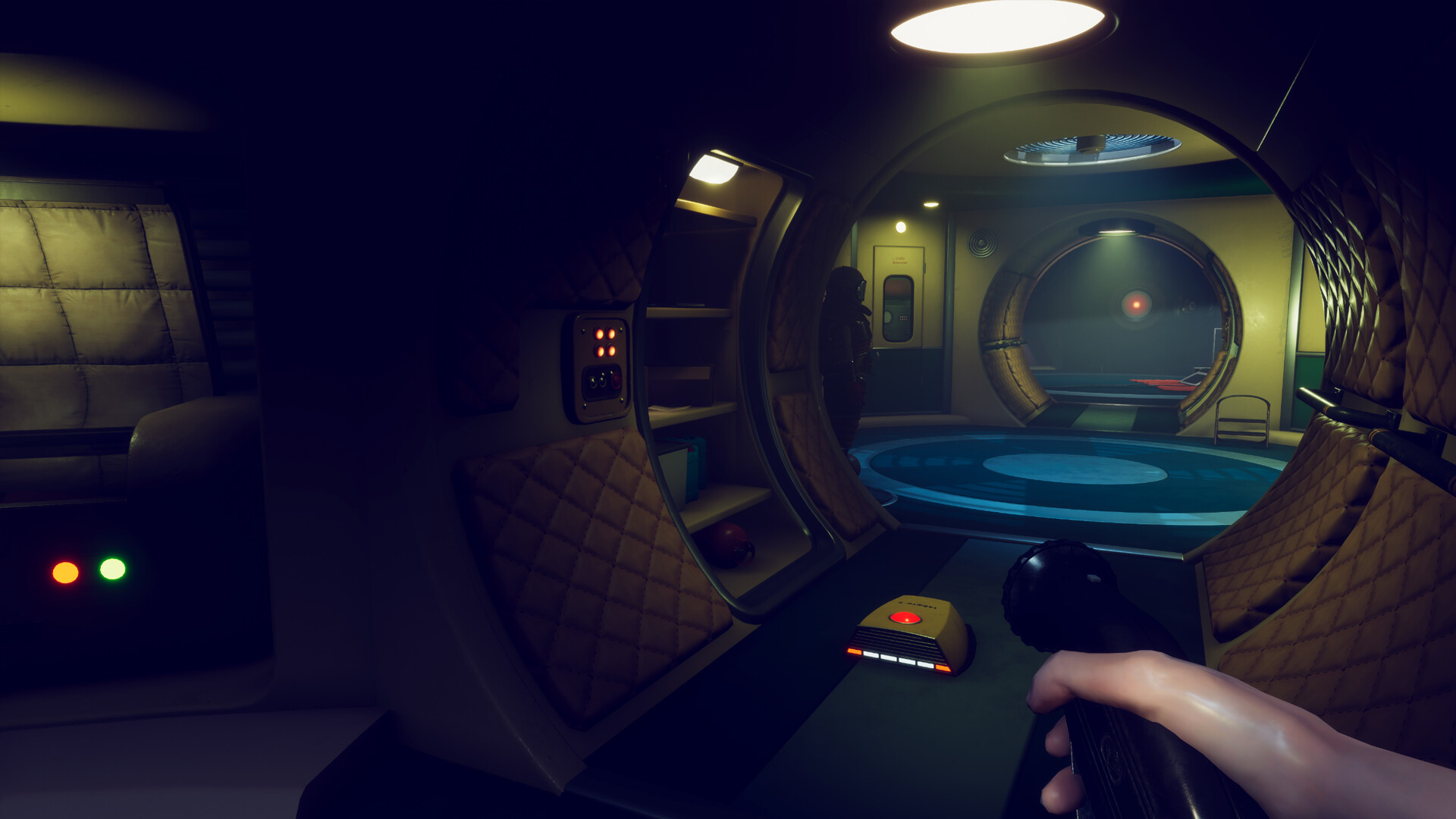
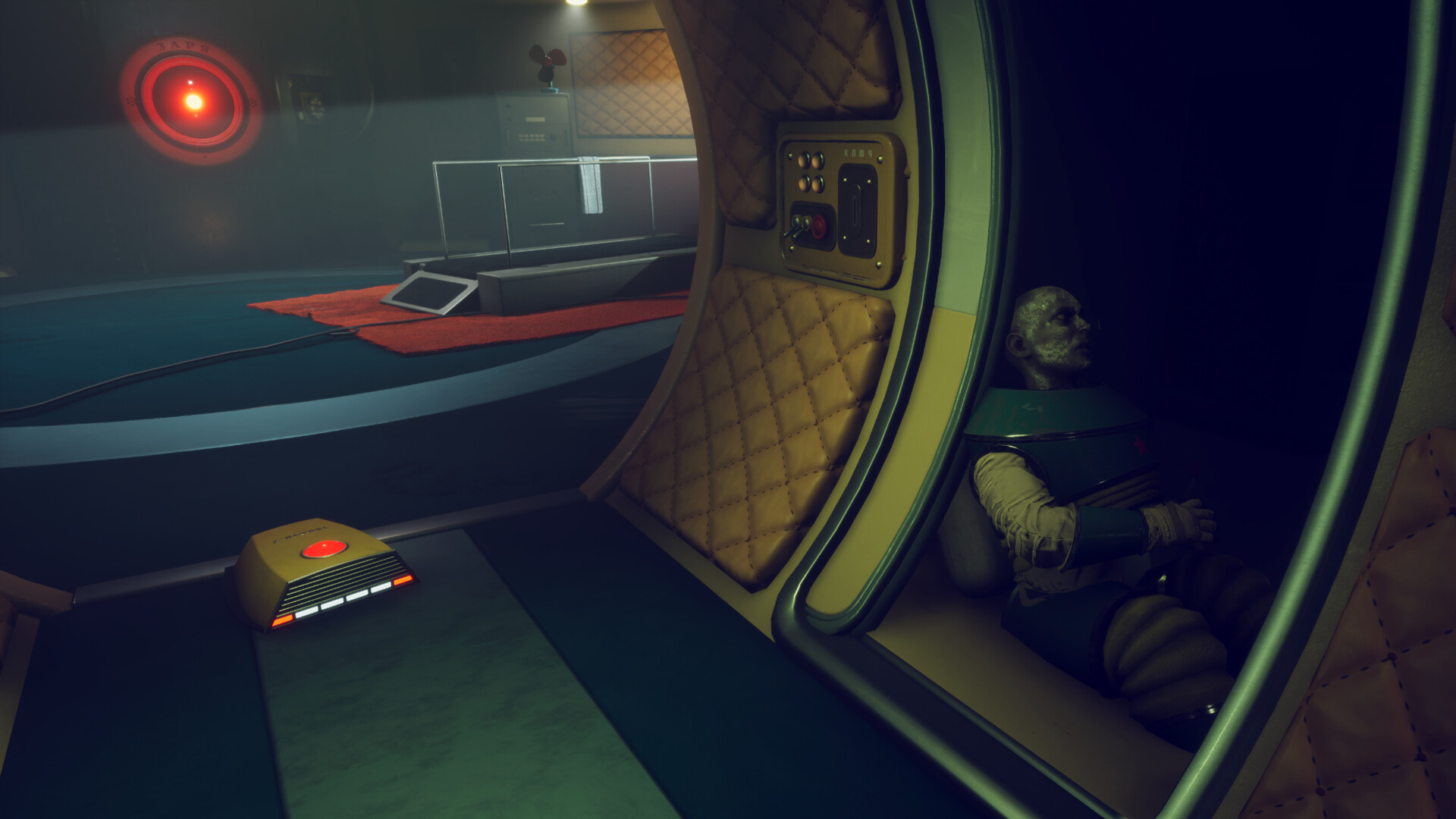
Satellite odyssey: Рrologue – is the opening part of the game series. It is a short(1hr) first-person story-driven adventure with horror elements.
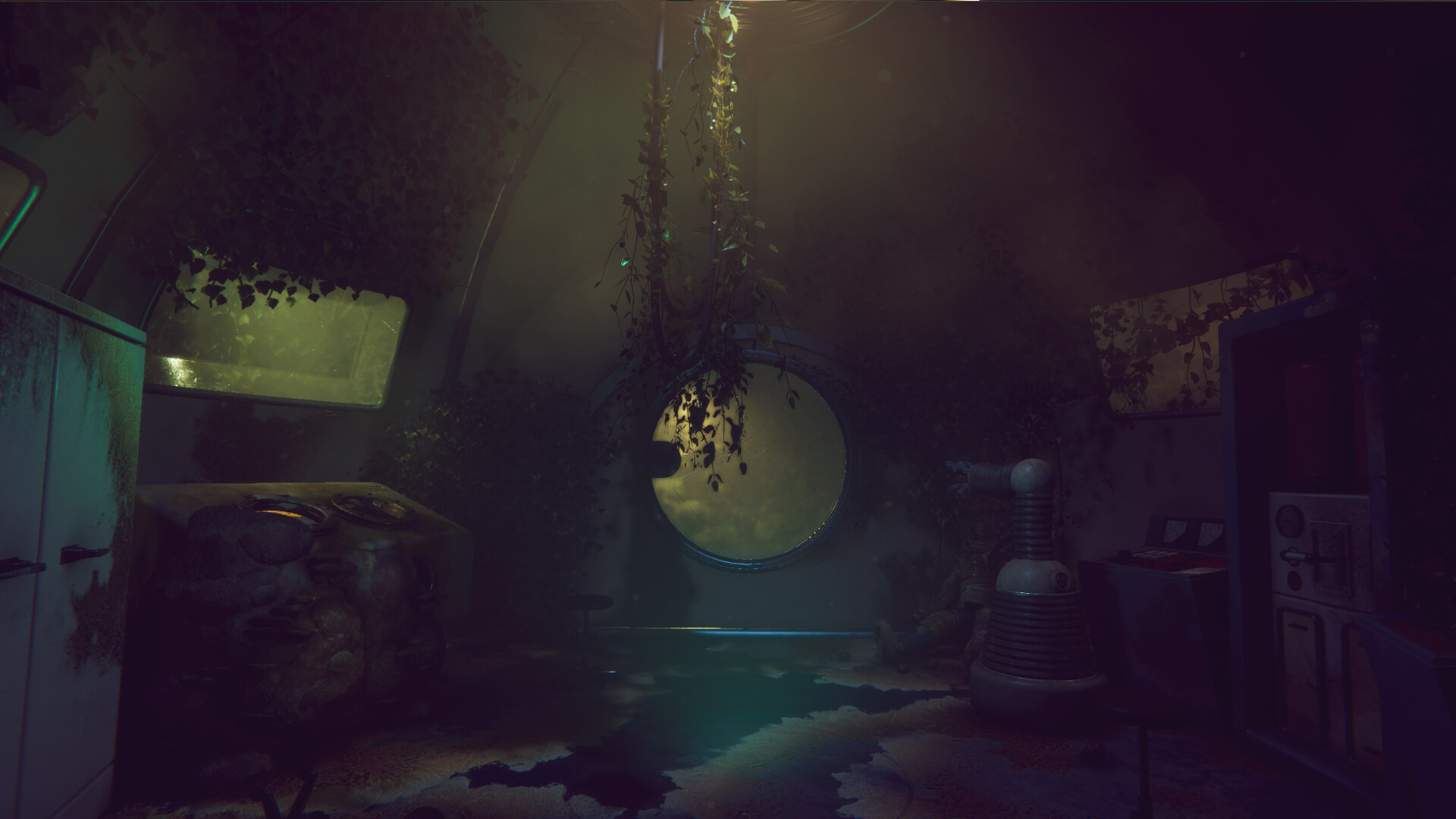
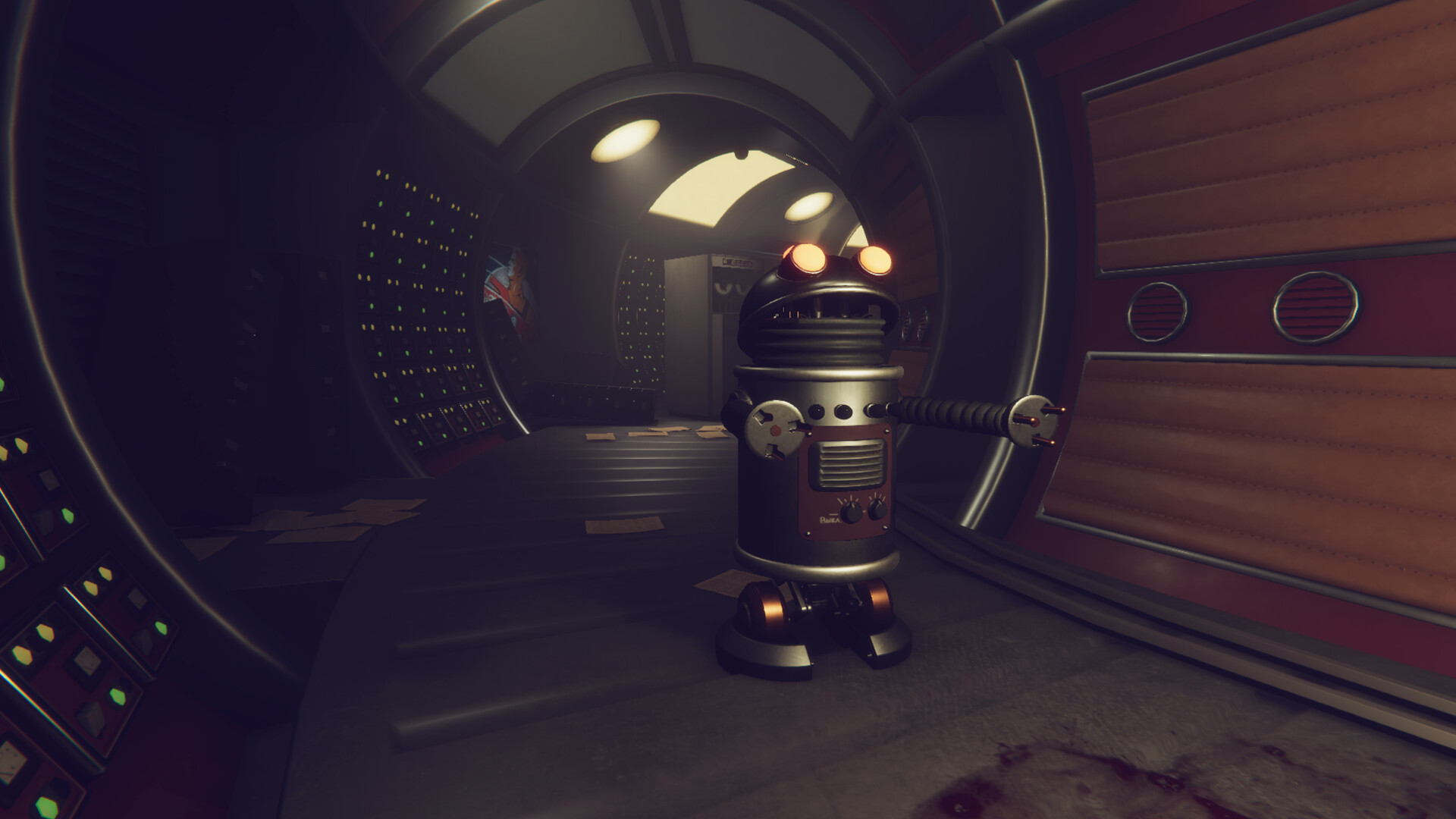
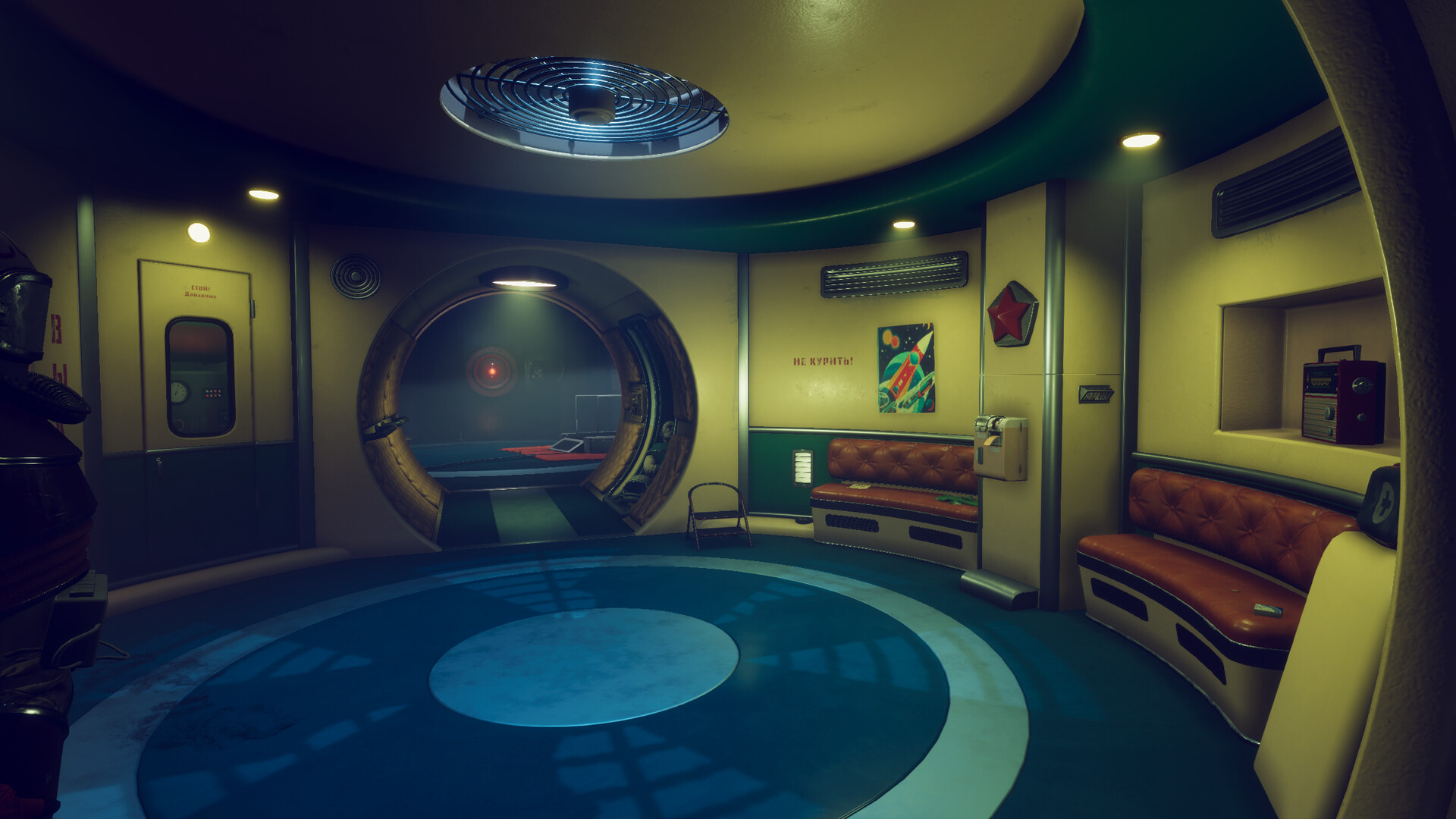
Immerse yourself in the atmosphere of classic science fiction and retro futurism, inspired by Soviet sci-fi films and humanity’s thirst for knowledge and the conquest of space.

The future, as envisioned by the Soviet mind. Rapid advancements in robotics, expeditions to distant stars and planets in the quest for signs of life.
You are Laska, a Soviet biologist and a member of the scientific space expedition “Icarus”. Awakened from an extended hibernation, you are facing an unsettling reality: all the crew members have vanished, and life support systems are malfunctioning. Unravel the mystery behind the events that have happened on the ship. Your partner is the artificial intelligence “Zarya”, which observes your every move. Your actions and decisions have consequences and will affect how the story ends.
成人内容描述
开发者对内容描述如下:
The game includes scenes of violence and cruelty, along with instances of strong language and the consumption of alcohol or tobacco.
系统需求
最低配置:
-
- 需要 64 位处理器和操作系统
- 操作系统: Windows 10/11
- 处理器: Intel i5-4670, AMD Ryzen 3 2300U or similar
- 内存: 8 GB RAM
- 显卡: Geforce GTX 1060, Radeon RX 5600 or similar
- DirectX 版本: 11
- 存储空间: 需要 8 GB 可用空间
推荐配置:
-
- 需要 64 位处理器和操作系统
- 操作系统: Windows 10/11
- 处理器: Intel i7-6800K, AMD Ryzen 5 PRO 1600 or similar
- 内存: 16 GB RAM
- 显卡: Geforce RTX 3080, Radeon RX 6800 or similar
- DirectX 版本: 12
- 存储空间: 需要 15 GB 可用空间