版本介绍
Build.19534546|容量188MB|官方原版英文|支持键盘.鼠标.手柄

关于此游戏

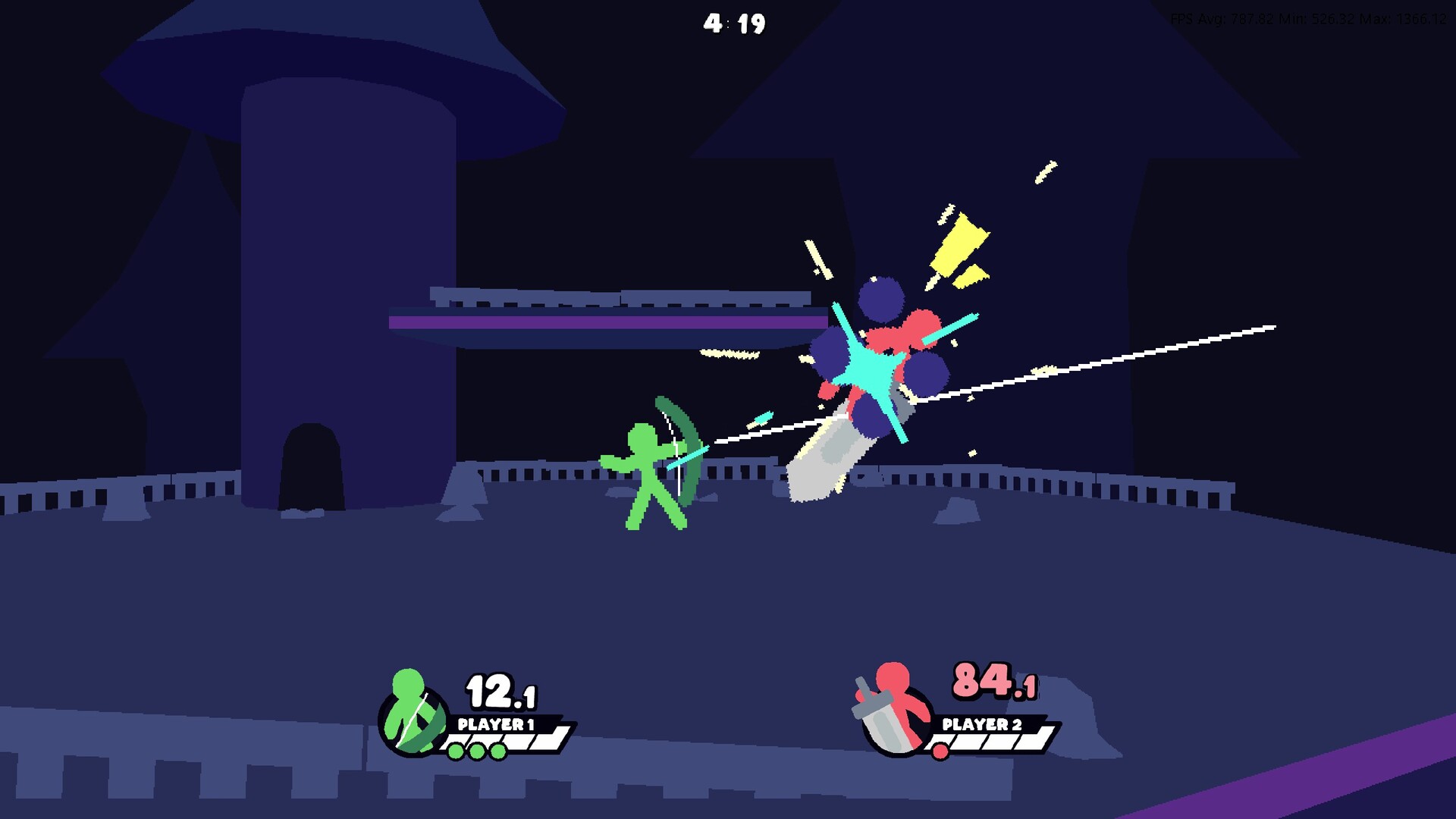
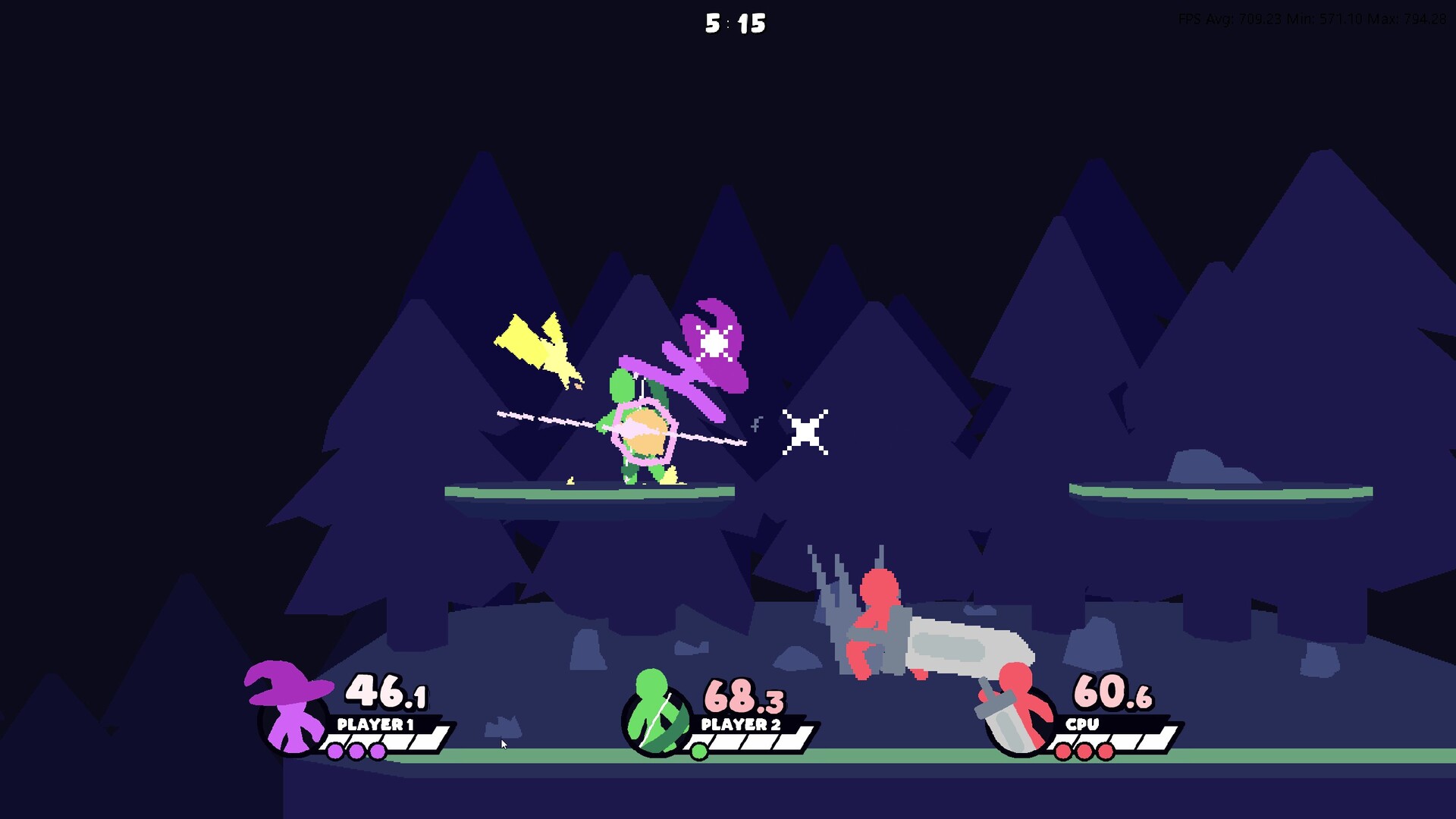
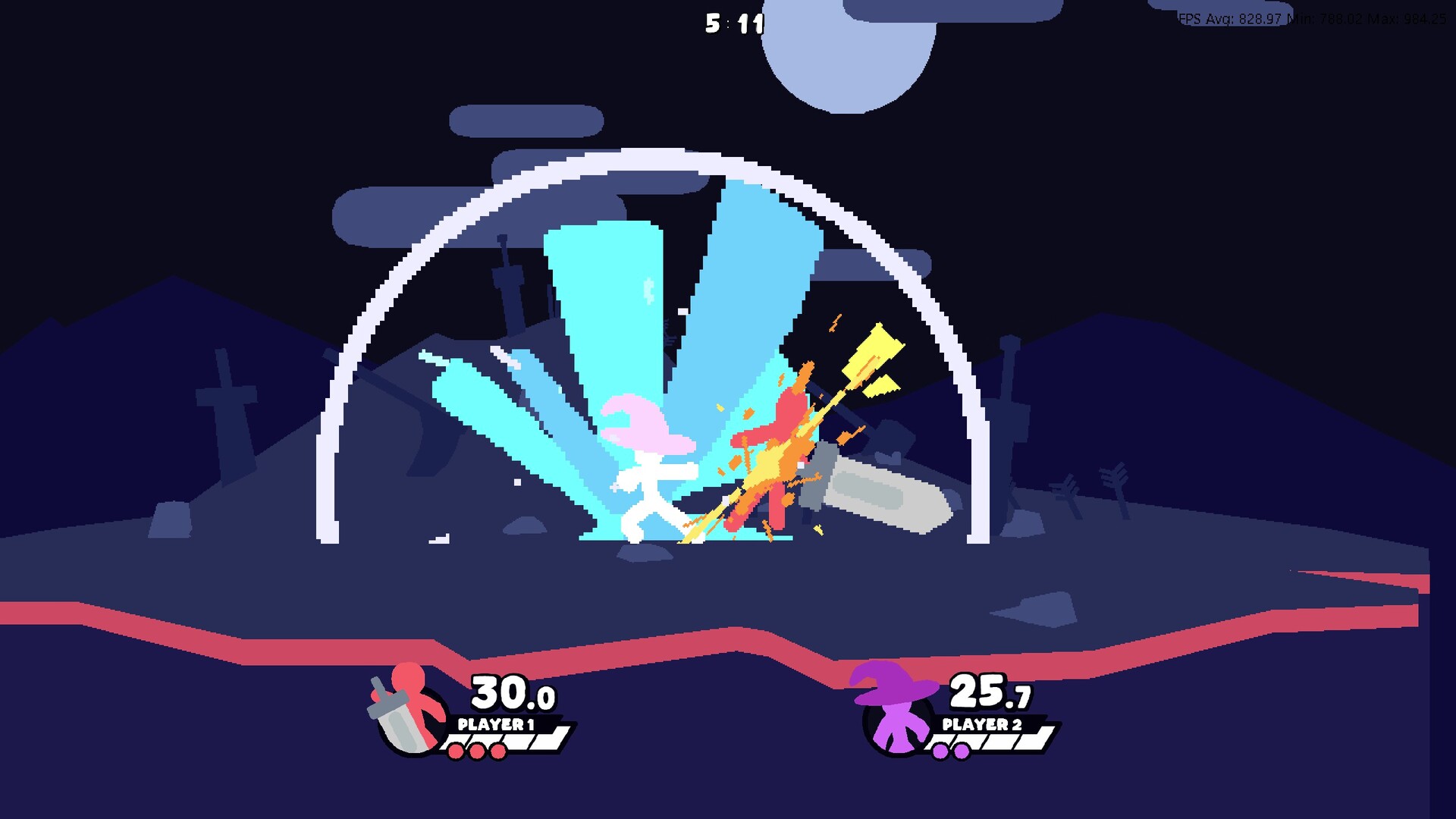
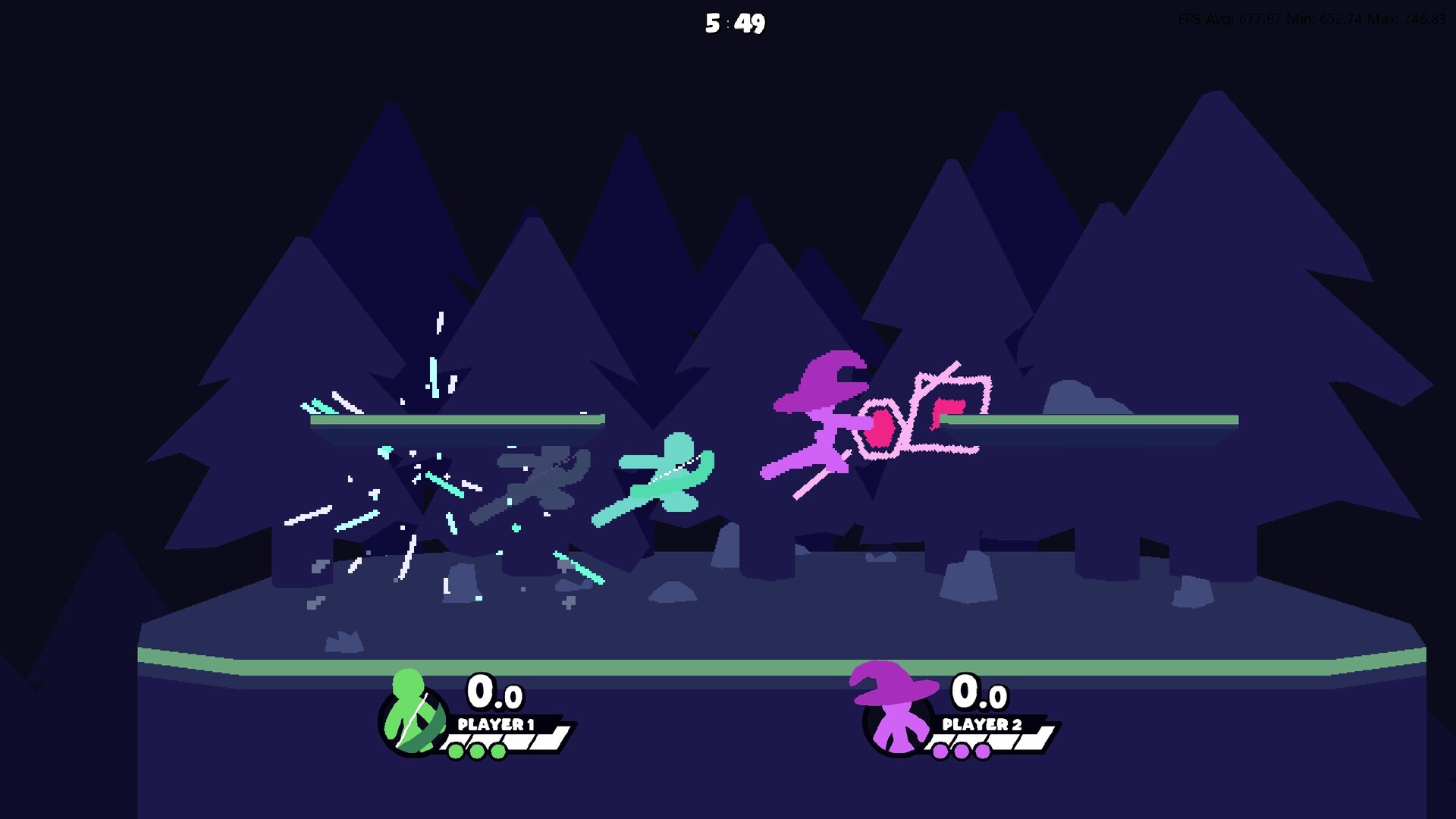
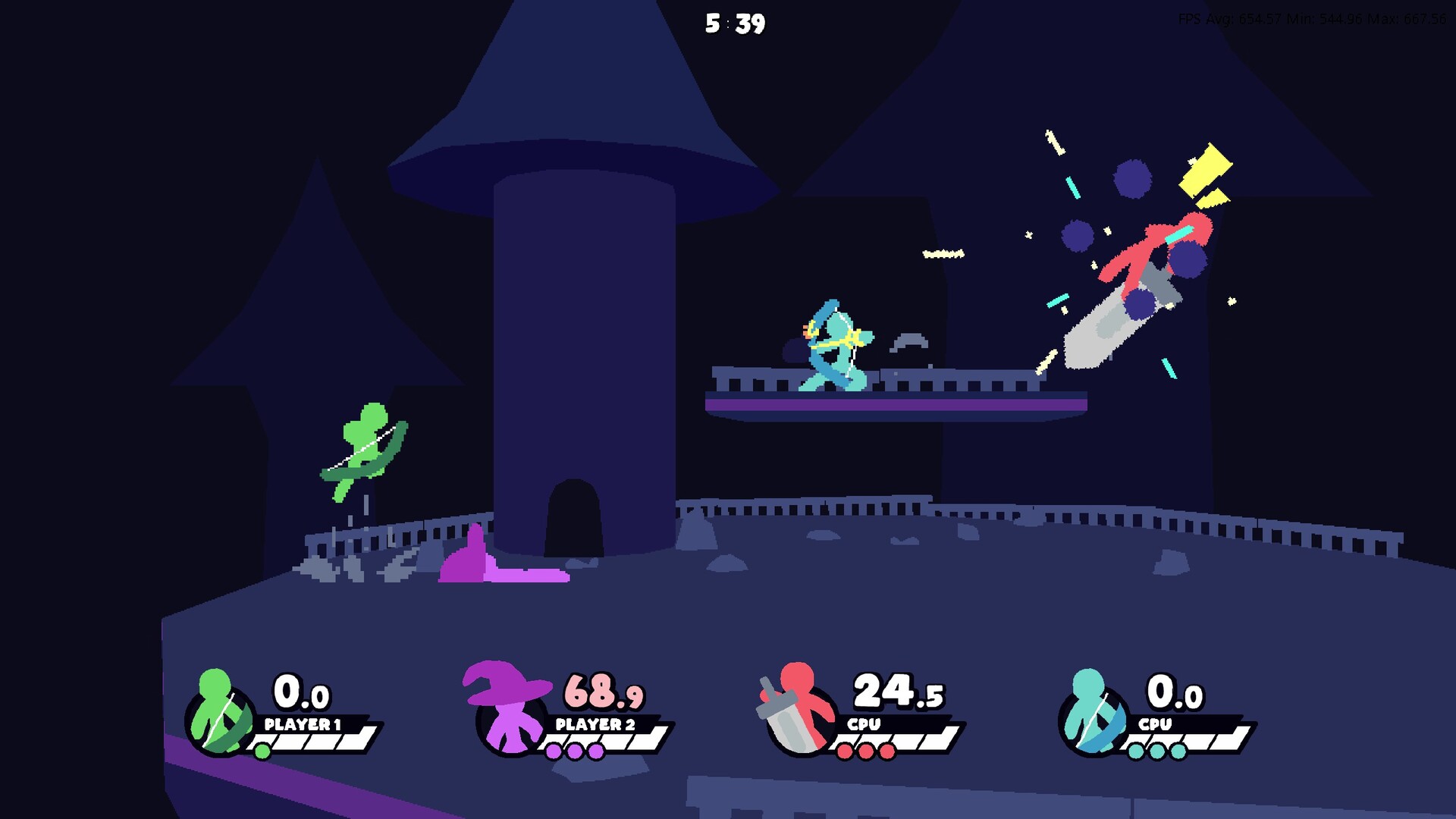
A fast-paced, easy to play, tiny platform fighter for 1-4 players, built to honor the era where stick fights ruled the internet!

STYLE ON EVERYONE! We wanted A FEW QUICK MATCHES to feel like an old-school stick fight, which means flashy animations and impactful moments! To attain this feel, we made it so that most successful hits can be cancelled into air dashes, meaning your follow-up routes are nearly infinite. Deep-diving into this combo system is incredibly rewarding, and landing a well-executed chain of attacks feels uniquely satisfying. While this mechanic is not necessary to enjoy your battles, those who choose to embrace it will push the game to its limits!

FIGHT ANYONE! We designed our game with online play in mind. A FEW QUICK MATCHES harnesses the amazing magic of ROLLBACK NETCODE to ensure smooth, lag-free battles across the internet. Host lobbies to challenge your friends, or hop into quickplay to match up with any player in your region.
系统需求
-
- 操作系统 *: Microsoft® Windows® 7 / 8 / 10 / 11
- 处理器: 1.2GHz processor
- 内存: 512 MB RAM
- 显卡: DirectX Compatible graphics card with at least 32MB of video memory
- DirectX 版本: 9.0c
- 存储空间: 需要 300 MB 可用空间