

版本介绍
终极版|容量15.4GB|官方原版英文|支持键盘.鼠标
关于此游戏
FIGHT THE CHAOS. OR HARNESS ITS POWER.
Drawn to a remote world, intelligent lifeforms fight for control of its resources. Here they must each answer the primal choice of life…extinction or evolution?
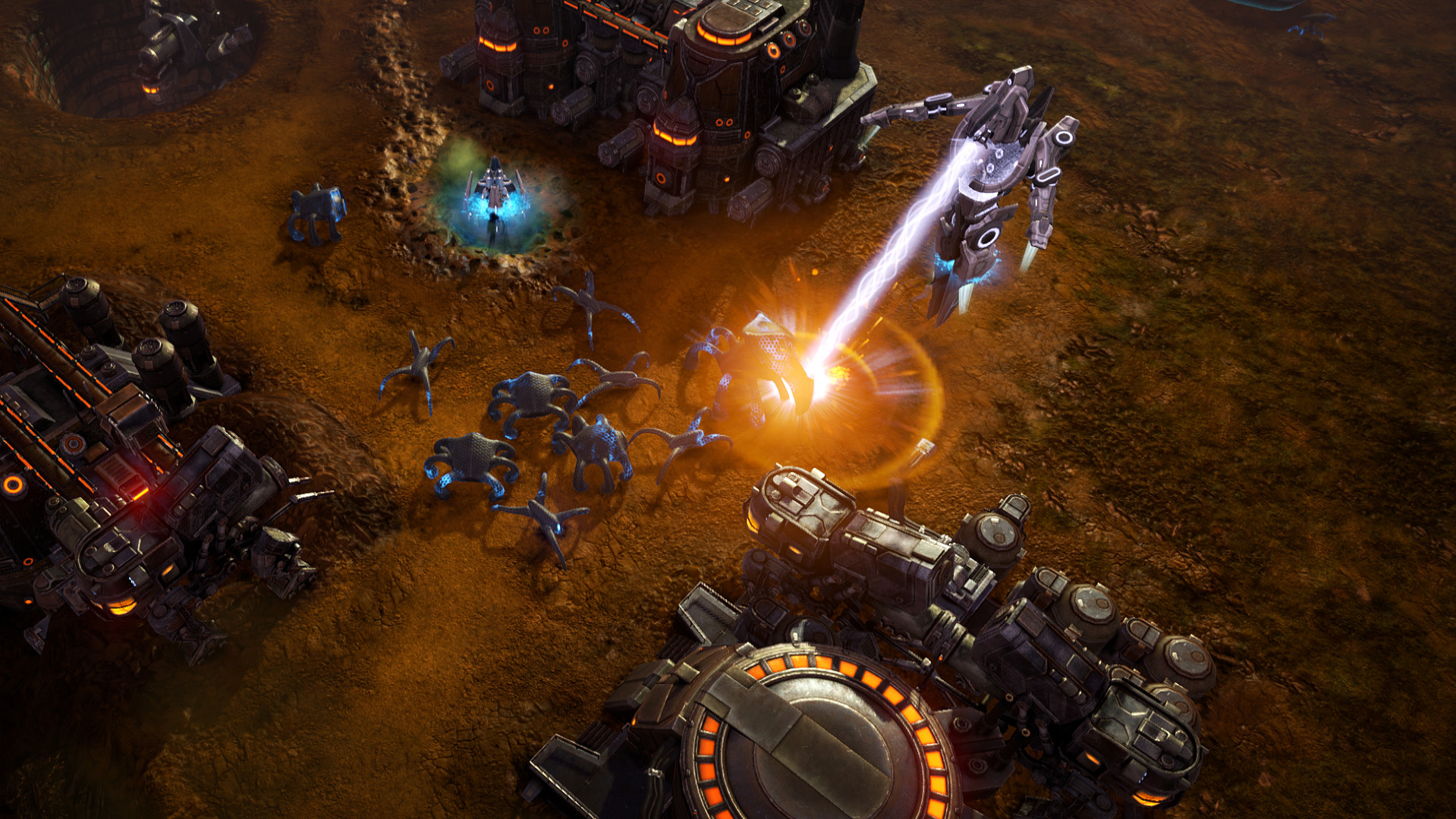
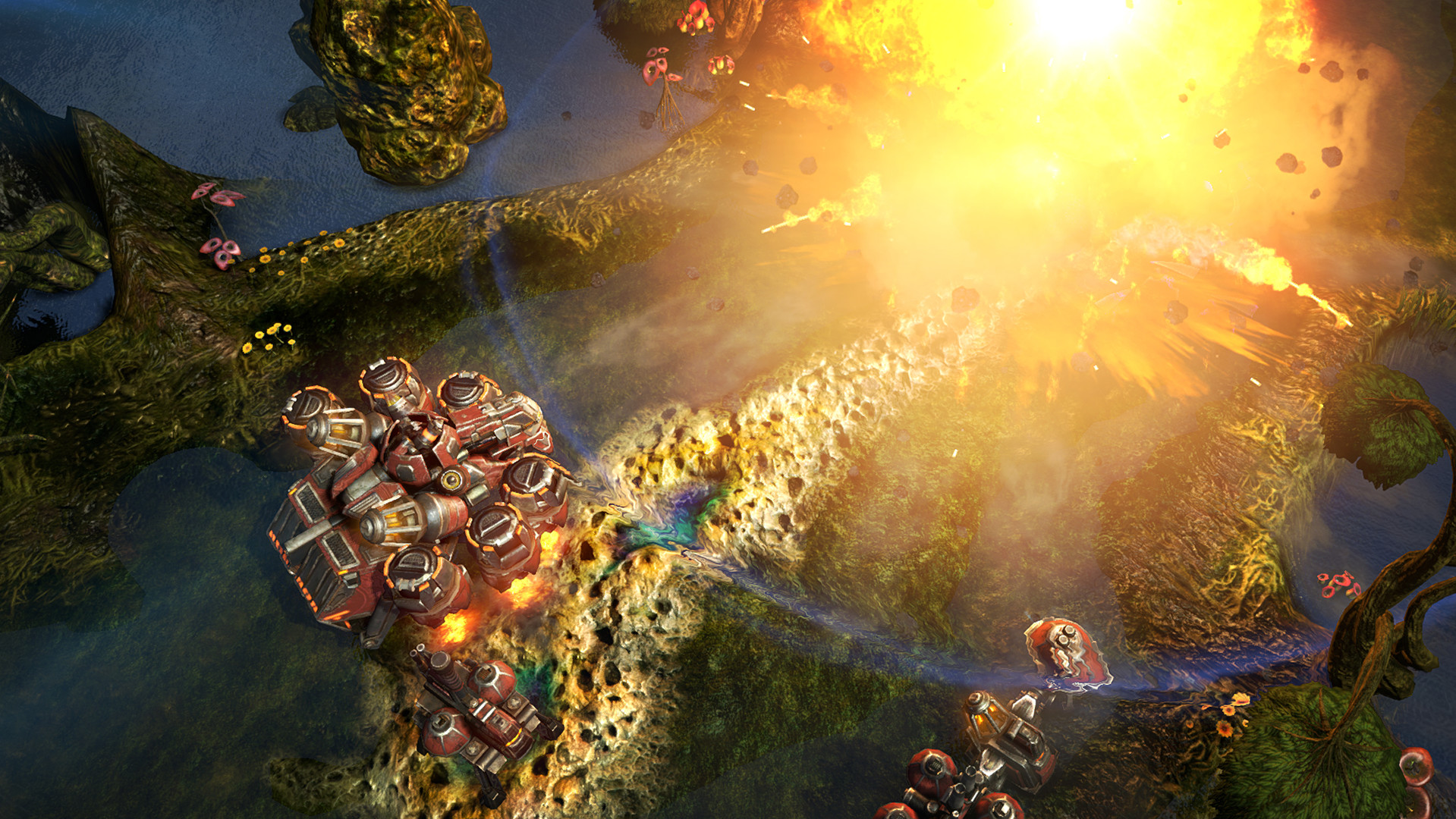
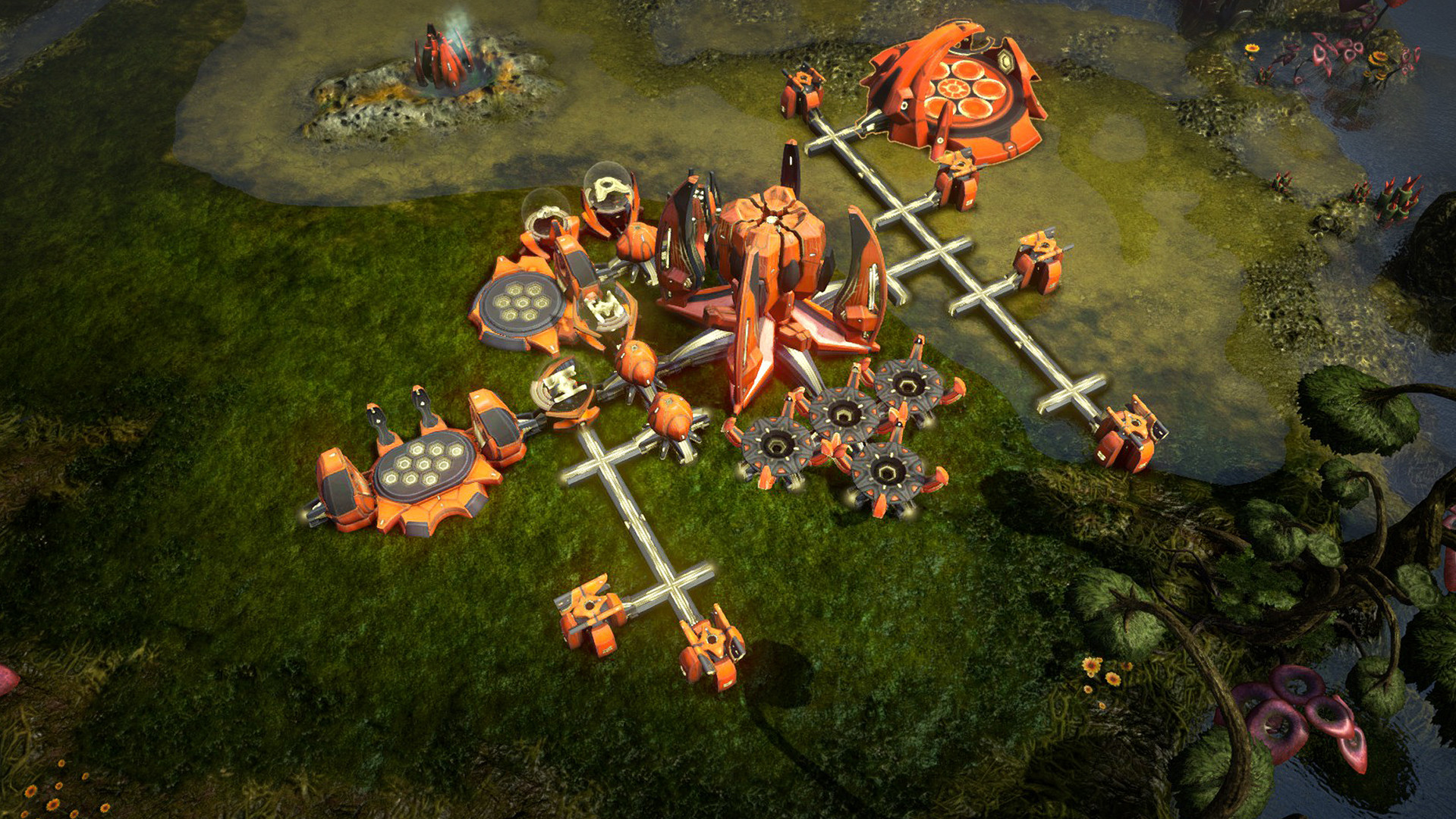
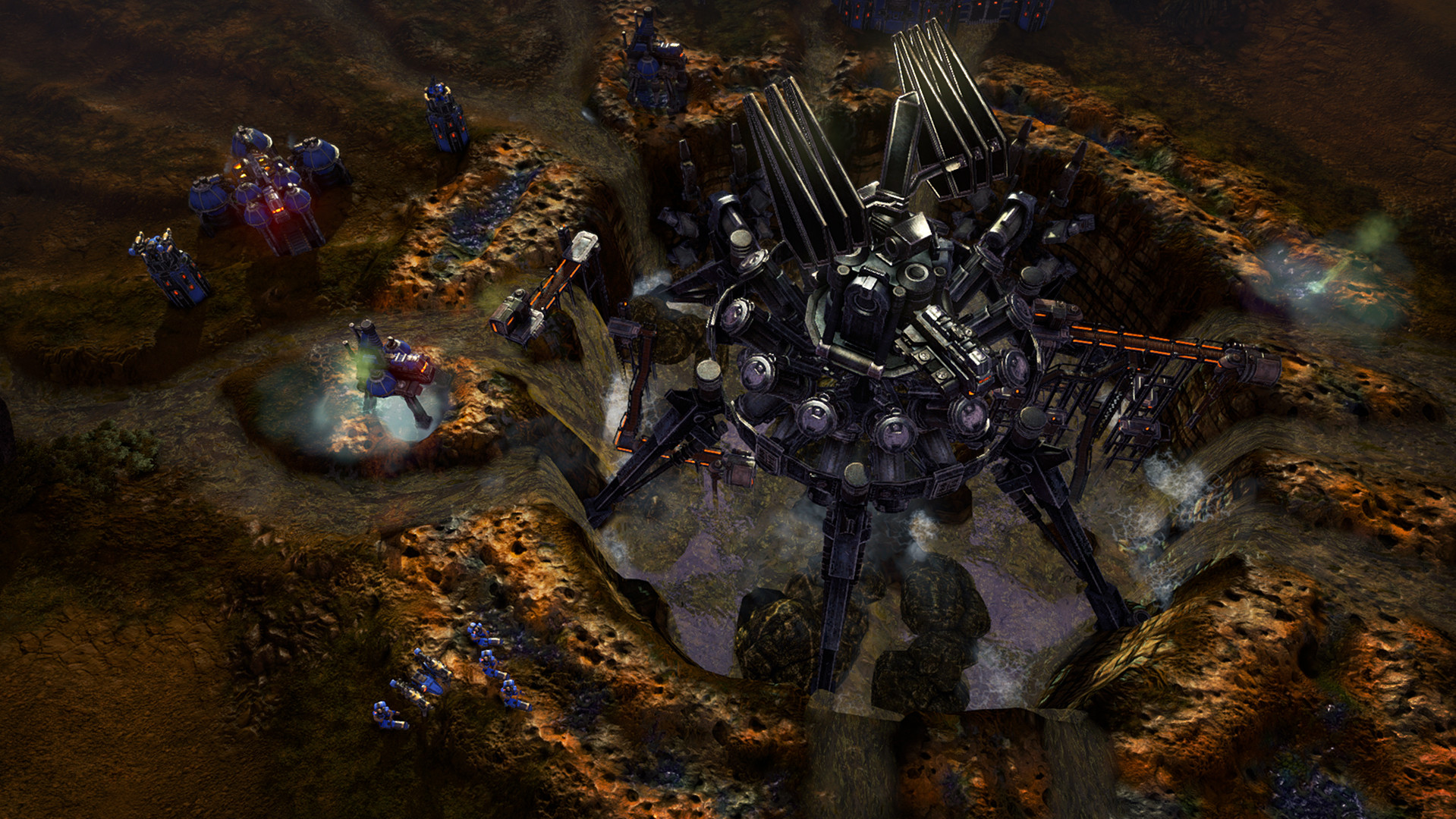
Grey Goo is a real-time strategy (RTS) game that combines classic strategy mechanics and a balanced combat system with an emphasis on base-building. It puts you at the center of a tactical struggle for survival—and ultimately, control of Ecosystem 9.
Take on the single-player campaign to command three factions: the Humans, masters of defensive architecture; the Beta, a proud, versatile alien race; and the Goo, an enigmatic, highly mobile life form. Or compete with any of the four multiplayer factions—including the disruptive, unpredictable Shroud.
Features
- Fight—or play as—the Shroud, a brand-new, multiplayer faction.
- Command new units: the Humans’ Valiant, the Beta’s Squall and the Goo’s Siphon.
- Explore an additional story arc with “Grey Goo: Emergence,” and discover the Goo’s true intentions.
- Take on the Shroud in Mission 16, “Herald of Silence.”
- Sharpen your battlefield tactics in the single-player campaign, or join the fray on Steam.
- Join the fray on Steam and find opponents through skill-based matchmaking.
- Change the rules of the battlefield with unit-altering tech upgrades.
- Deliver devastating blows by constructing game-ending Epic units.
- Take the battle offline via Local Area Network play.
- Enhance your competitive edge with Replay Mode and Observer Mode.
- Use the Map Editor to create your own battlefields and share them with the community via Steam Workshop.
系统需求
最低配置:
-
- 操作系统 *: 32-bit Windows 7
- 处理器: 3.5 GHz Intel Core i3 Dual Core or equivalent
- 内存: 4 GB RAM
- 显卡: 1024 MB DirectX 11 capable video card (GeForce GTX 460 or AMD Radeon HD 5870)
- DirectX 版本: 11
- 网络: 宽带互联网连接
- 存储空间: 需要 15 GB 可用空间
推荐配置:
-
- 操作系统 *: 64-bit Windows 7
- 处理器: 3 GHz Intel Core i5 Quad Core or equivalent
- 内存: 8 GB RAM
- 显卡: 1024 MB Direct3D 11 capable video card (GeForce GTX 570 or AMD Radeon HD 7870)
- DirectX 版本: 11
- 网络: 宽带互联网连接
- 存储空间: 需要 15 GB 可用空间


免责声明:本站提供的资源转载自国内外各大媒体和网络和网友分享,仅供试玩体验;不得将上述内容用于商业或者非法用途,否则,一切后果请用户自负。您必须在下载后的24个小时之内,从您的电脑中彻底删除上述内容。如果您喜欢该游戏内容,请支持正版,购买注册,得到更好的正版服务。我们非常重视版权问题,如有侵权请邮件与我们联系处理。