
终极清洁工模拟器|Ultimate Janitor Simulator|官方英文|容量1.3G插图咸鱼单机官网

关于此游戏

Welcome to Ultimate Janitor Simulator — a relaxing first-person cleaning game where every messy room hides a story and every wipe brings back shine.

Take on different cleaning jobs, unlock the right tools, and restore order one task at a time. Every place you visit has its own kind of chaos — and your tools are the key to bringing it all back to perfect order.

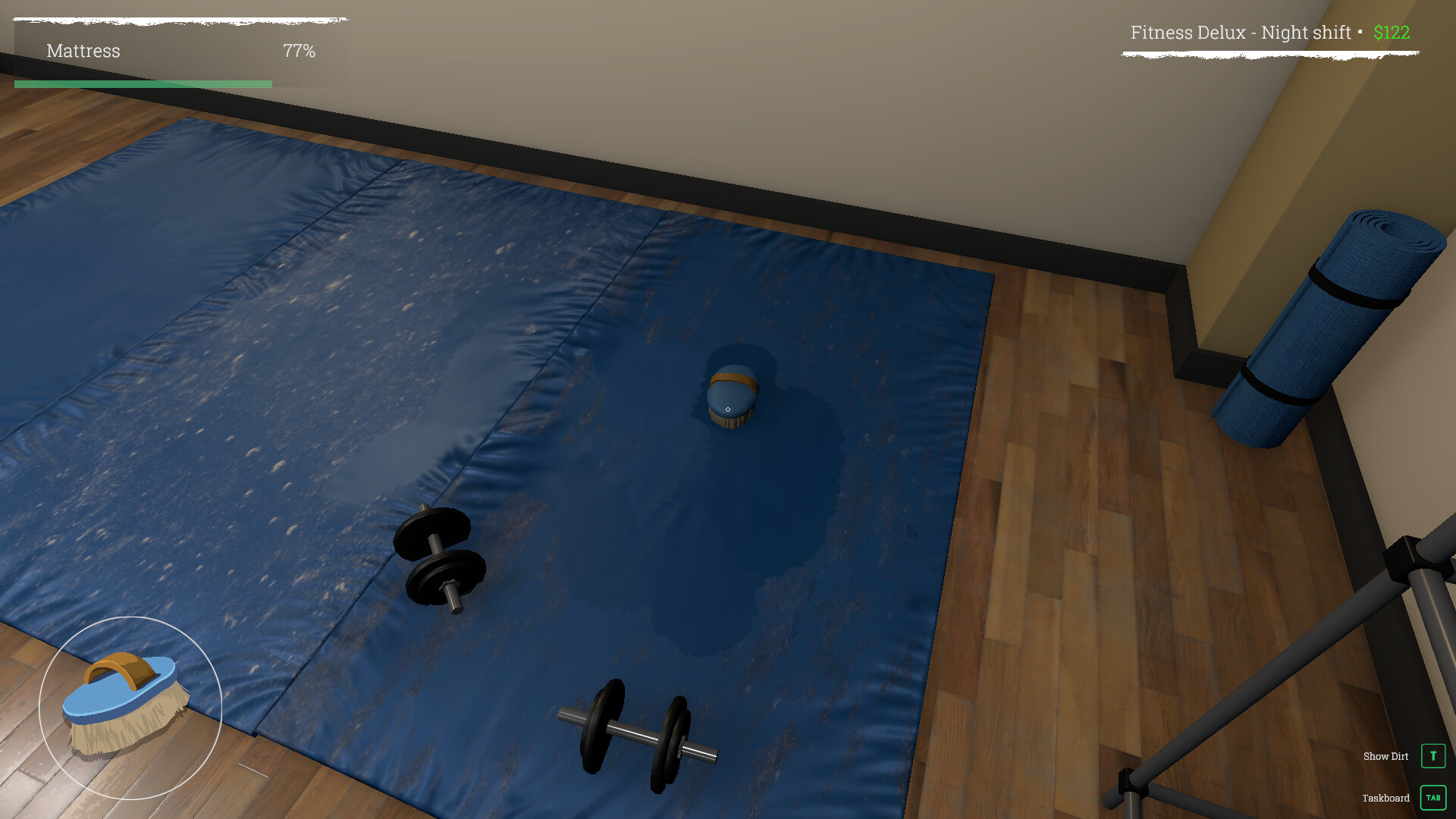
🧴 General Dirt Scrubbing

Grab your brush and tackle the toughest stains on walls and floors. Each stroke removes visible dirt in real time — see every surface go from filthy to spotless under your hands.

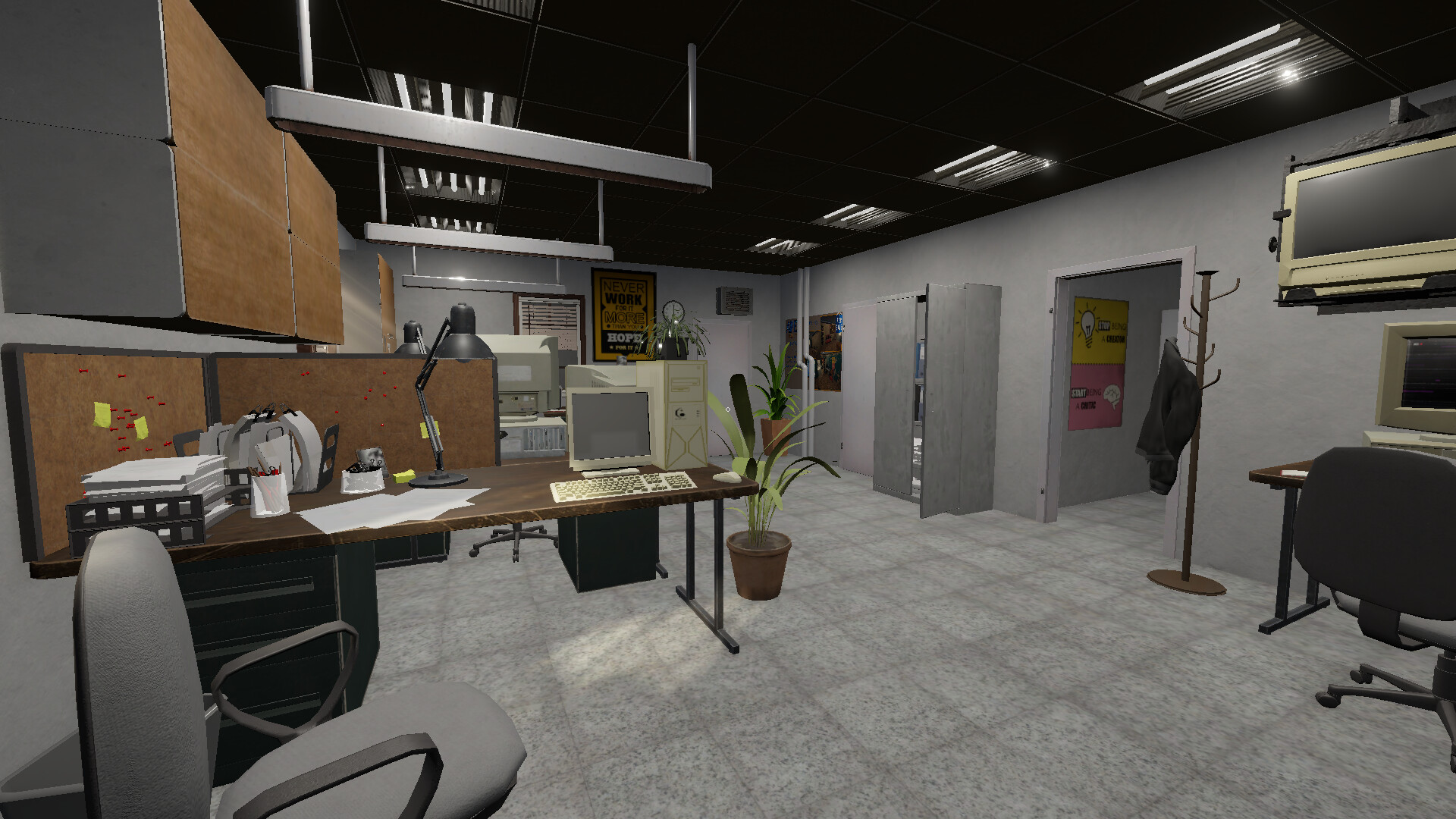
🧹Tidying & Object Placement

Not all mess is about dirt. Pick up scattered items, return them to their places, and restore order to cluttered environments. Every object you fix brings you closer to full completion — and that perfect 100% clean rating.

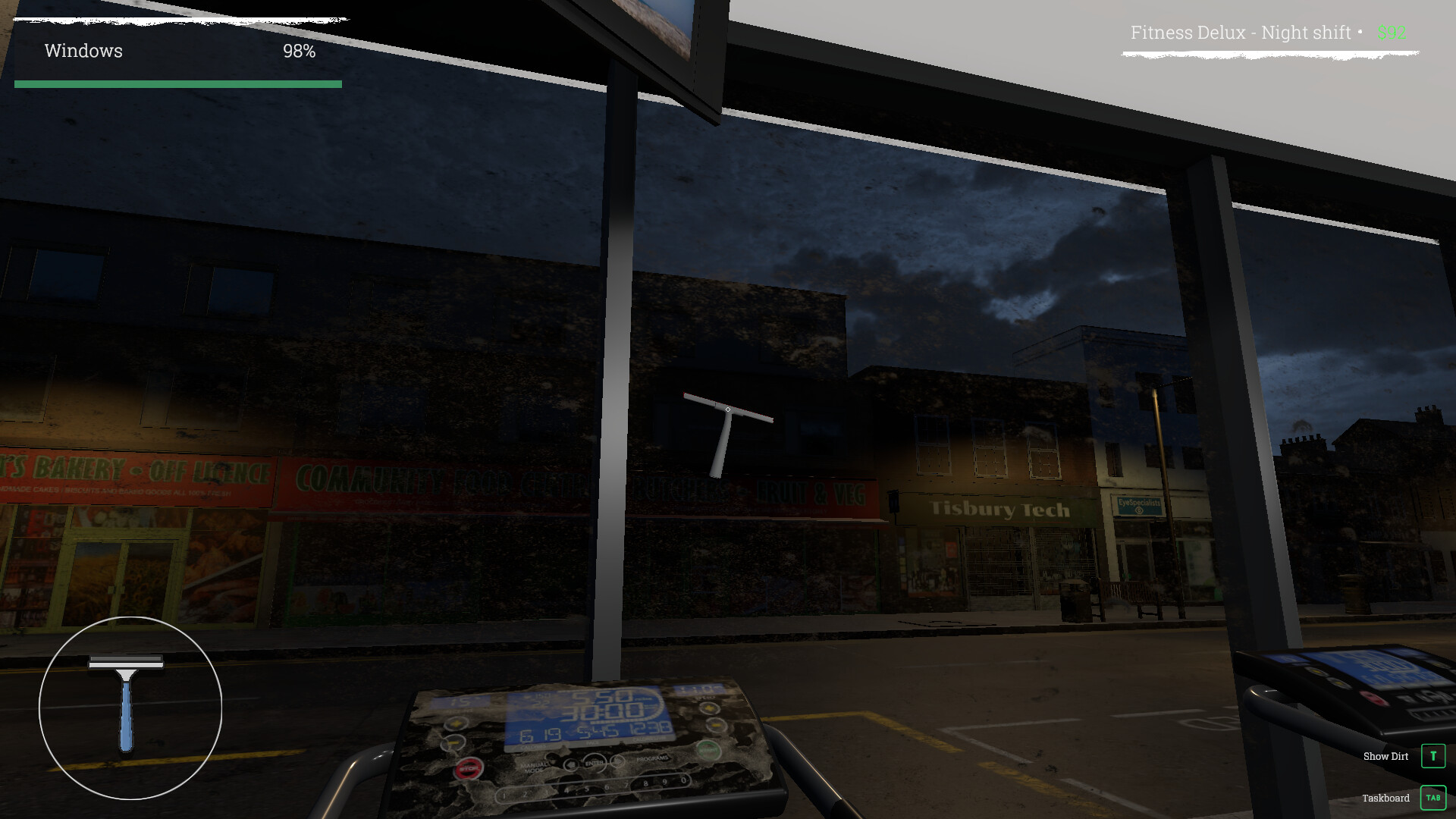
🪟 Window Cleaning

Bring back the sparkle! Use your squeegee and cleaning solution to wipe away watermarks, fingerprints, and grime from glass surfaces. Watch the reflections sharpen as you work and enjoy the oddly satisfying shine of a job well done.

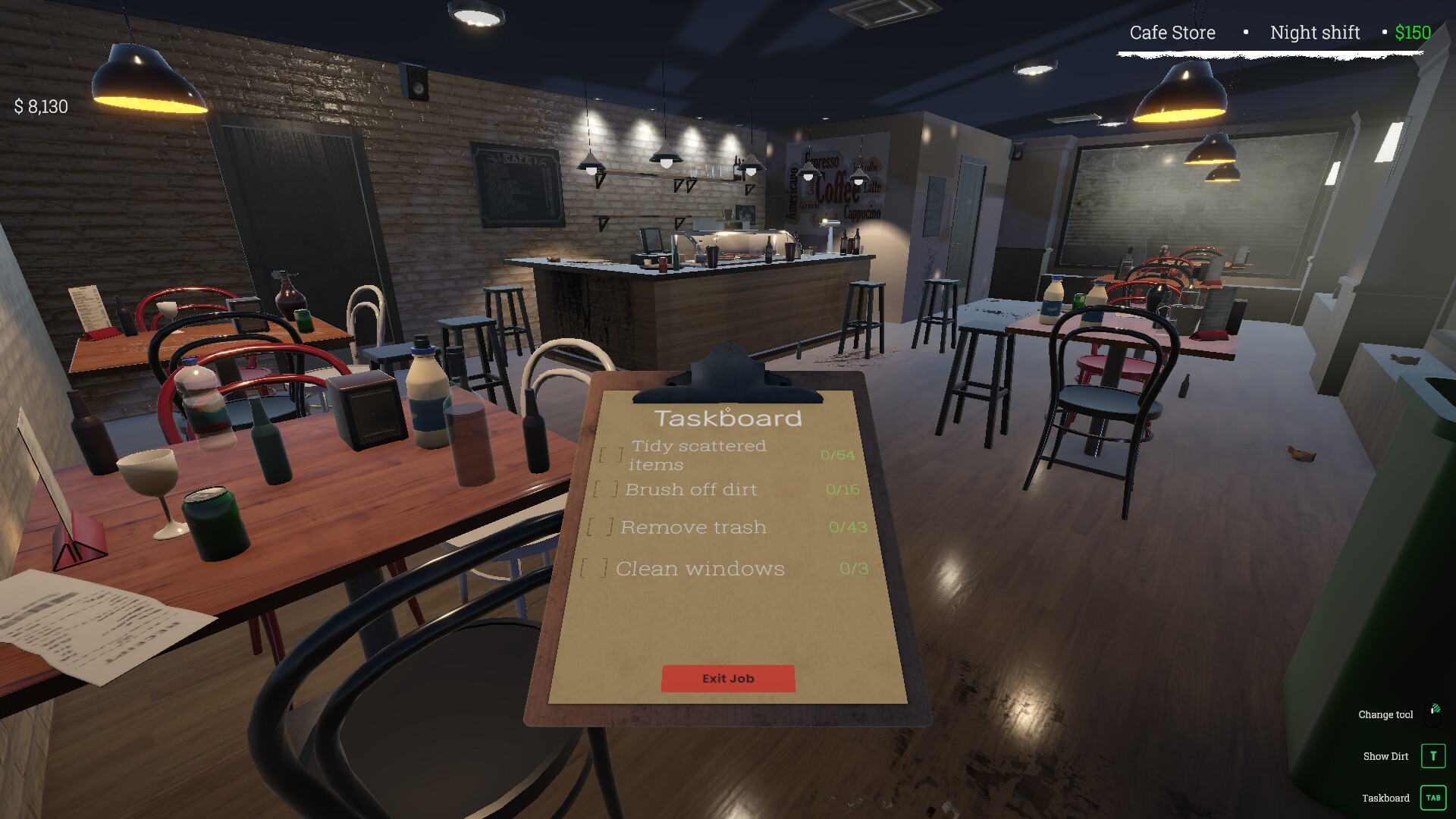
📋 Taskboard & Progress

Keep track of your goals with the in-game Taskboard. Each objective — from cleaning windows to tidying items — updates in real time as you work. Watch every task check off one by one until the entire job is complete.

系统需求

最低配置:

    • 需要 64 位处理器和操作系统
    • 操作系统 *: Windows 8 (64-bit) or newer
    • 处理器: AMD Ryzen 5 1st gen or Intel Core i5 6th gen
    • 内存: 4 GB RAM
    • 显卡: AMD Radeon RX 580 4GB or NVIDIA GeForce GTX 1060 6GB
    • DirectX 版本: 11
    • 存储空间: 需要 2 GB 可用空间
推荐配置:

    • 需要 64 位处理器和操作系统
    • 操作系统: Windows 10 64bit or newer
    • 处理器: AMD Ryzen 5 3rd gen or Intel Core i5 10th gen
    • 内存: 16 GB RAM
    • 显卡: AMD Radeon RX 5700XT 8GB or NVIDIA RTX 2070 8GB
    • DirectX 版本: 11
    • 存储空间: 需要 3 GB 可用空间

截图 #0

截图 #1

截图 #2

截图 #3

截图 #4

发表回复

后才能评论

咸鱼单机推出白嫖者计划,签到或者推广即可领取永久赞助!点击查看

本站采用邮箱注册,注册异常因为用户名太短或者id重复,建议您使用英文加数字,若还是不行请联系反馈点击查看

请根据步骤认真操作,保证你速成大神:点击查看教程

请根据步骤认真操作,上方有教学视频:点击查看教程

链接失效很正常,有些资源容易和谐,别着急。请您在资源下评论回复,看到马上补。

设置中文方法、 一般游戏都会进入提示选择,或者在option选项里language选项可以选择。 如都没有这些选项,可在游戏目录里的steam_api.ini 里的language选项里改为schinese即可。 如没有steam_api.ini,可能以命名破解小组名字为开头的例如codex.ini / cpy.ini 等,以此类推。 如还不行,部分Goldberg的游戏,一般是在游戏文件夹下的language.txt里改为schinese,亦或是需要在 C:\Users\用户名\AppData\Roaming\Goldberg SteamEmu Saves\settings 下的language.txt,打开它,然后输入schinese

为什么0凌晨过了第二天还没重置?站点时区和国内不同,下次次数重置时间一般为凌晨的3点。

如果您已经成功付款但是网站没有成为赞助会员,请联系客服提供付款信息为您处理。点击查看

源码属于虚拟商品,具有可复制性,可传播性,一旦授予,不接受任何形式的退款、换货要求。请您在购买获取之前确认好 是您所需要的资源

别着急在这里留言,我们将为您从网友投稿中为您查找您想要的游戏点击查看